Attach an Unattached Work Order
You can create unattached work orders, but it is recommended that eventually you attach them.
- Open the map.
- Open the unattached work order.
- Select the desired assets from the map.
- Click Add asset(s) currently selected in session in the Assets panel.
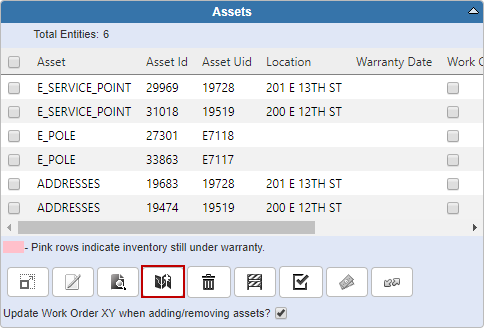
 NOTE: You can also use Add assets by searching type and id to add assets by selecting the Entity Group and entering the asset's Entity UID.
- Click Save.

 TIP: See Attach an Asset to an Existing Work Order for a quick start guide on this subject.