Associate Material to Assets or Tasks
Material can be added to an asset or task to add more detail to the record.
|
PREREQUISITES:
|
- Open the work order.
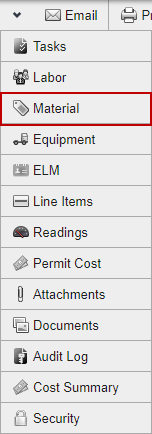
- Click Material from the functions drop-down list.
- Select the Assets or Tasks option in the Material/Entity/Task panel.
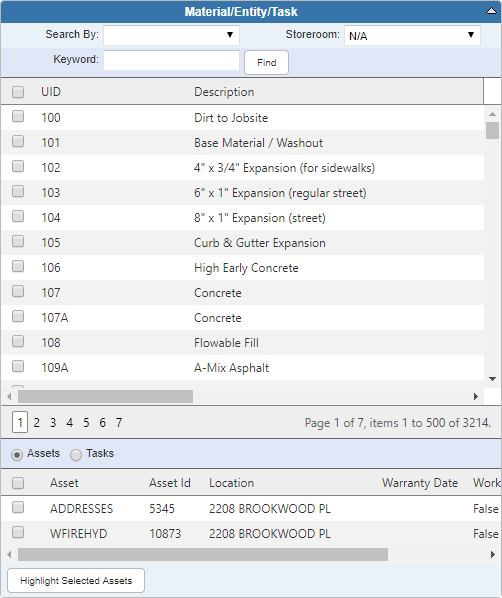
- Select the assets or tasks to associate to the material.
- Search for the desired material.
- Select the material.
- If the Assets option is selected, click Highlight Selected Assets to mark the assets on the map.
- Enter the Date, Account, and Units in the Details panel.
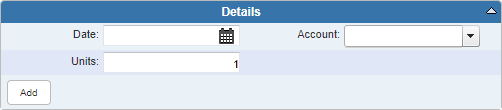
- Click Add. This adds the material to the Material panel.
- If a contractor is providing the material, select the appropriate contractor from the Contractor Material panel.
- Enter contractor material details.
- Click Add.