Add or Edit a Linear Answer
- Select a service request template from the Work Activity Templates panel.
- Click the Questions tab on the Template Details panel.
- Select a question.
Any existing answers for the question display.
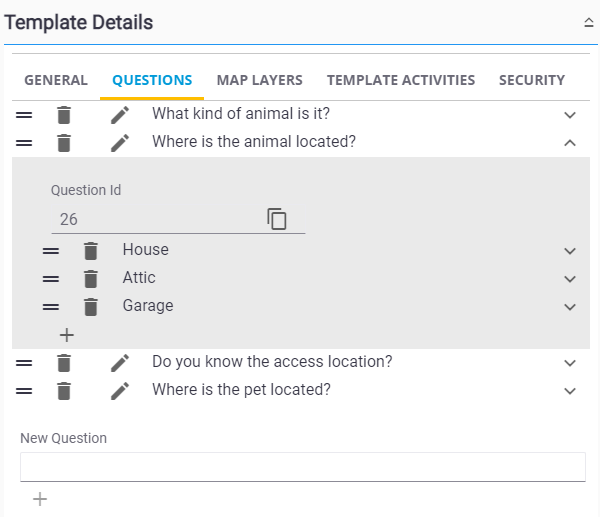
- Click the add icon to add an answer to the selected question.
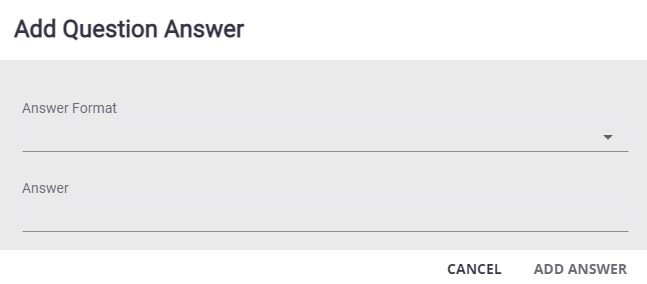
- Select the Answer Format, enter the Answer (if required), and click Add Answer.
- Select the answer and enter the answer details for the answer.
For an explanation of fields in the answer details section, see Questions Tab Fields.
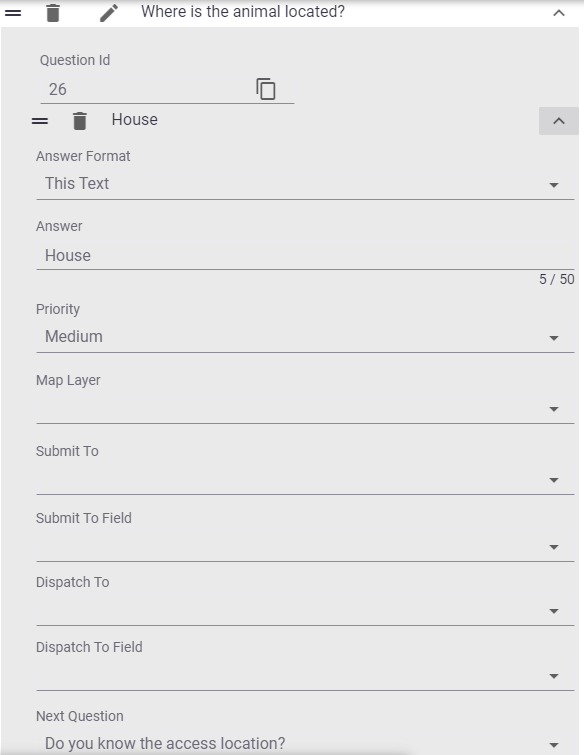
- To edit an answer, select an existing answer and change the answer details.
You can rearrange the answers to determine how they display on the service request.
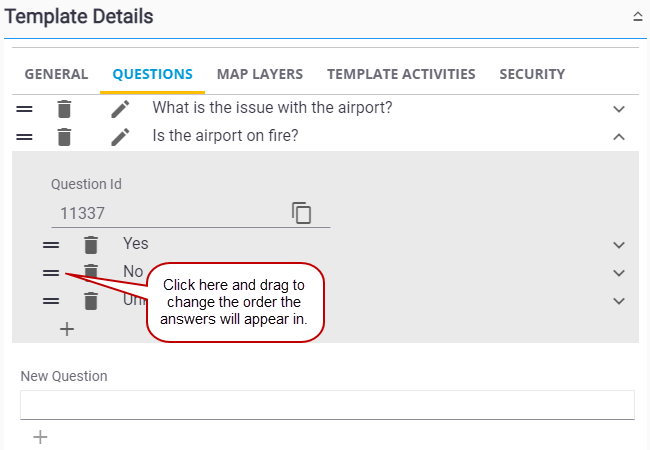
 NOTE:
NOTE: