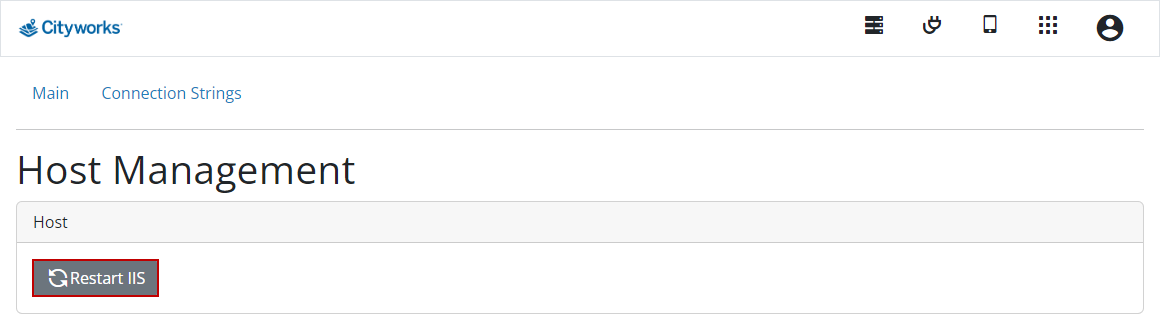
Restart IIS
You can restart IIS when needed from the Host Management page.
- Log into your Cityworks site. See Log In for more information.
-
 IMPORTANT: This page is only viewable in 23 and 23.1. Starting at 23.2, any host management is done through the host application.
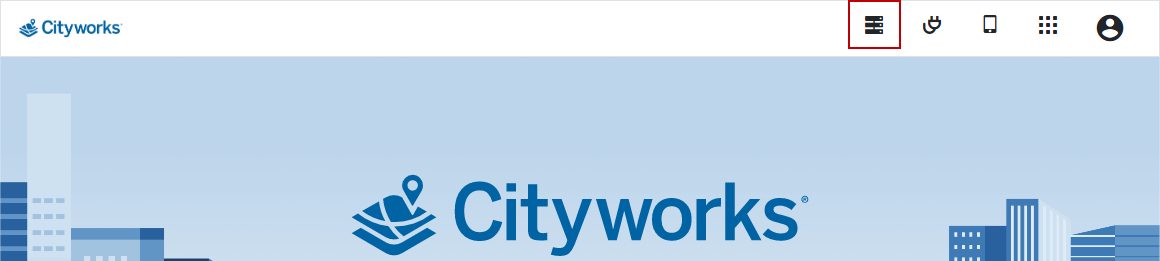
Two tabs appear: Main and Connection Strings. From the Main tab, you can restart the IIS. From the Connection Strings tab, you can add links to databases.