Clone a Custom Inspection Template
You can create an inspection template based on an existing one by cloning the desired template, then editing the new template to make it unique. Any conditional observations that are configured on an inspection template are also cloned.
- From the home page, click Configure and click Work Activity Templates.
 TIP: You can filter the list of records displayed. See Filter Records for more information.
- Select Inspection Template from the Work Activity Templates panel.
- Select the desired template you want to clone from the Work Activity Templates panel and click Clone selected records.
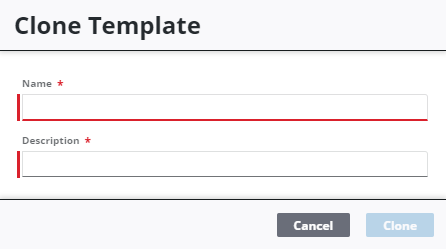
- Enter the Name and Description for the new template and click Clone.
- Finish entering details for the new inspection template in the Template Details panel on the right.
 NOTE: Admin automatically saves the changes you make. A notification pops up at the bottom to verify changes have been saved.