Add a Contractor
|
|
 PREREQUISITES:
- From the home page, click PLL and click Contractor Setup.
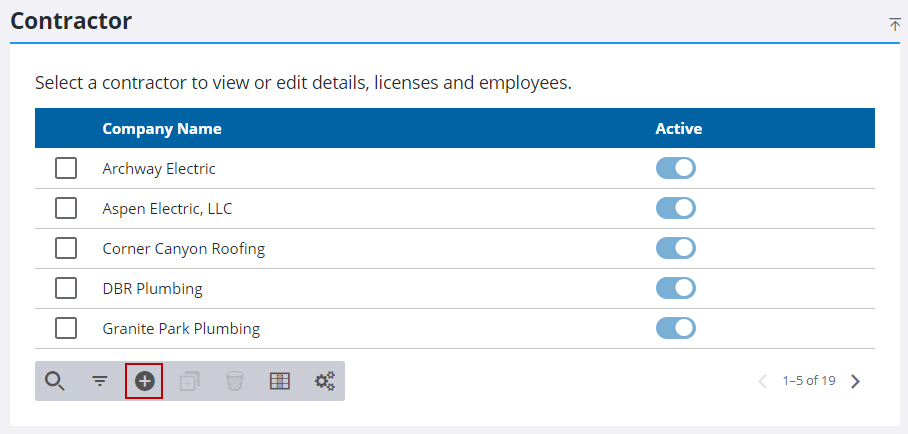
- Click Add on the Contractor panel.
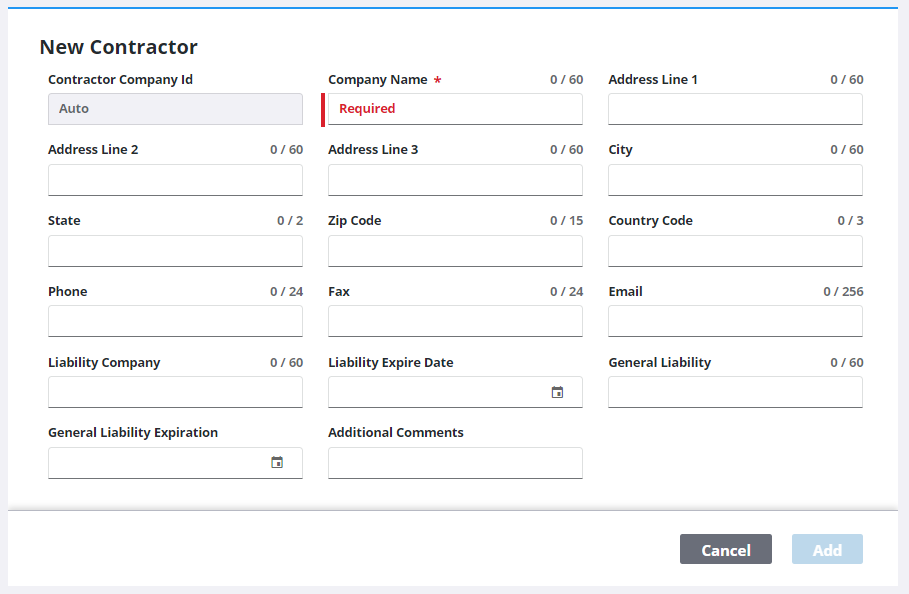
- On the New Contractor panel, enter a name in the Company Name field (required) and populate the other fields as desired.
- Click Add.