Add a Business License Type
Adding a business license type involves creating a name and description of what the license is for or what it covers.
|
|
 PREREQUISITES:
- From the home page, click PLL and click Business License Types.
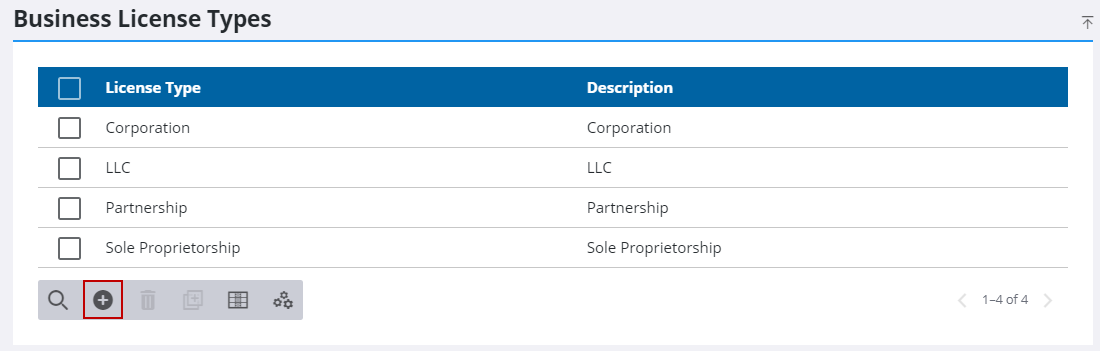
- On the Business License Types panel, click Add record.
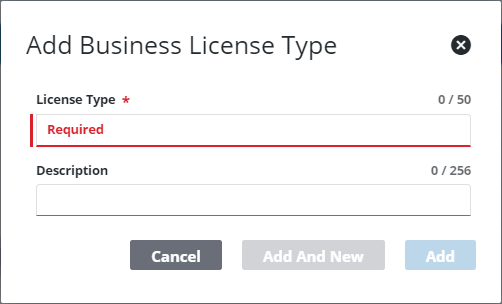
- On the Add Business License Type panel, enter a 50-character (maximum) name in the License Type field.
- Enter a brief explanation of the license category in the Description field.
- Click Add or Add and New to add the license type and create another one.