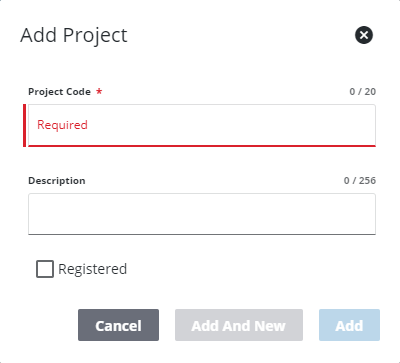
Add a Project
This section will discuss how to set up a new project.
|
|
 PREREQUISITES:
- From the home page, click PLL and click PLL Projects.
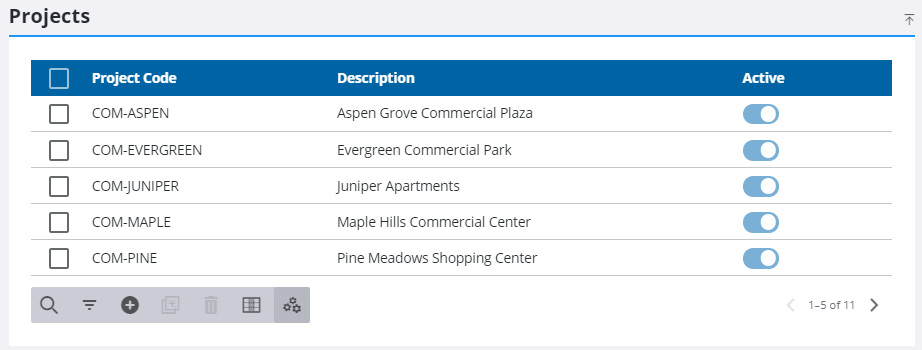
- On the Projects panel, click Add record.
- Enter a 10-character (maximum) name in the Project Code field.
- Enter a brief explanation in the Description field.
- Select Registered if the project will be available to Public Access users when they log in to the system.
- Click Add or Add and New to add the project and create another one.