Reset Your Password
If you have forgotten your password, you can reset it.
|
|
 PREREQUISITES:
-
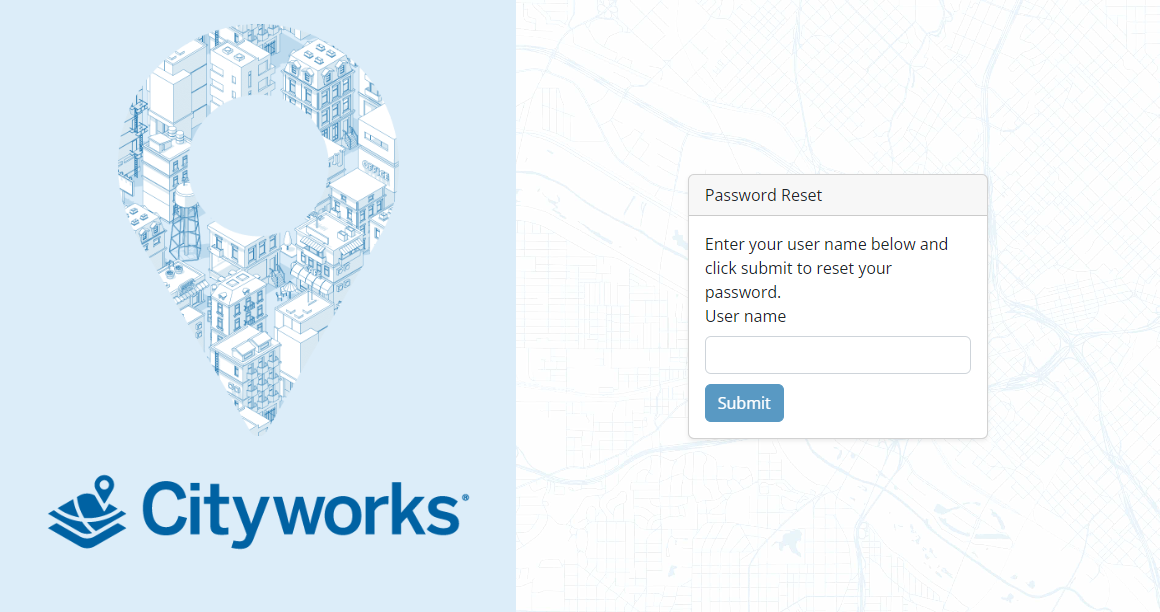
- Enter your user name in the User name field.
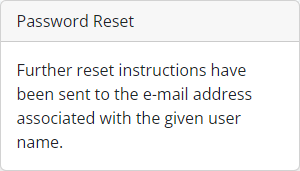
Instructions are sent to your email to reset your password.
-
- Enter a new password following the password requirements set up by your administrator. See See
 IMPORTANT: If the user's account is locked, a domain administrator can unlock the account. See