Translate Query Labels
A file can be downloaded from the Query Labels page to translate the labels in the Query Editor.
- From the home page, click Admin and click Query Labels.
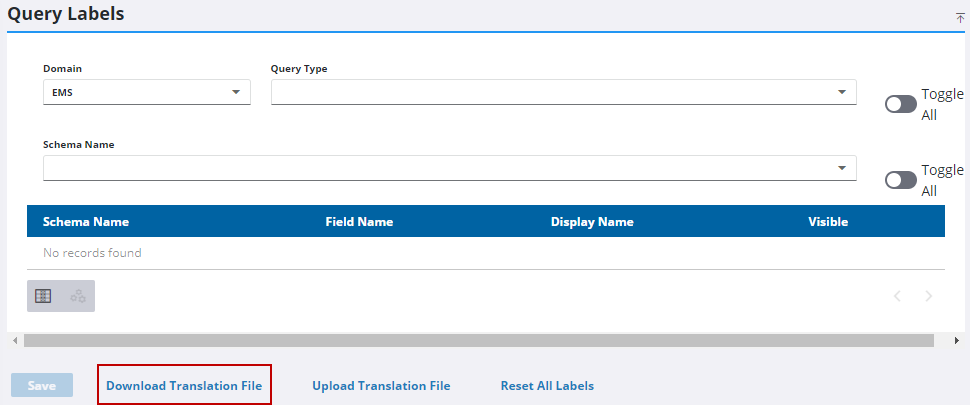
- Click Download Translation File.
- Make any needed changes.
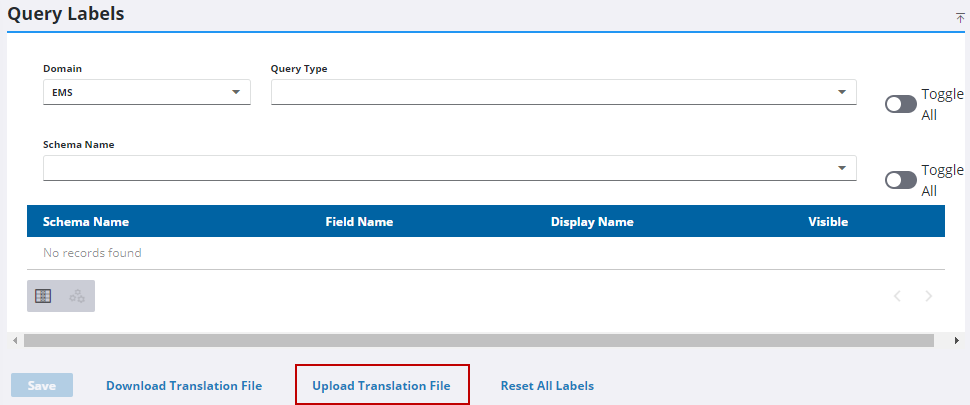
- Click Upload Translation File.
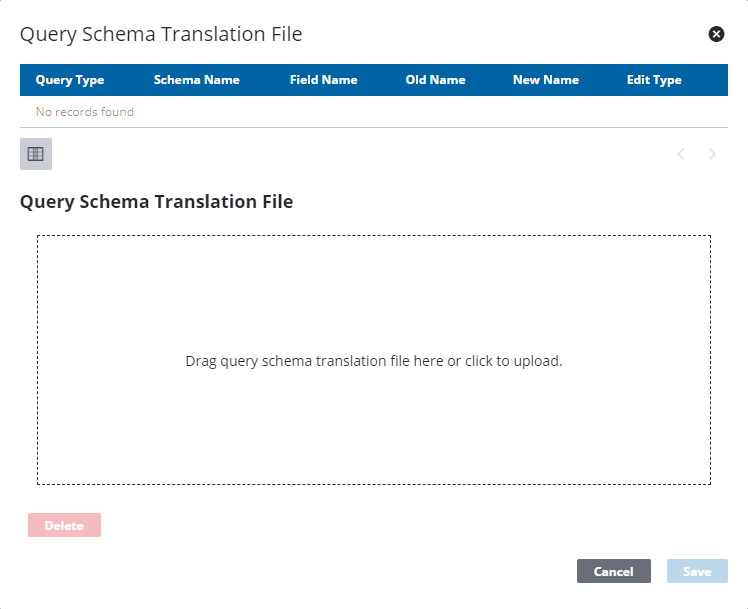
- To upload a translation file, either click the box in the Query Schema Translation File section to browse to the file or drag a file and drop it where it says Drag query schema translation file here or click to upload.
You can use the filter icon or the arrows in the lower-right corner to review the translated fields.
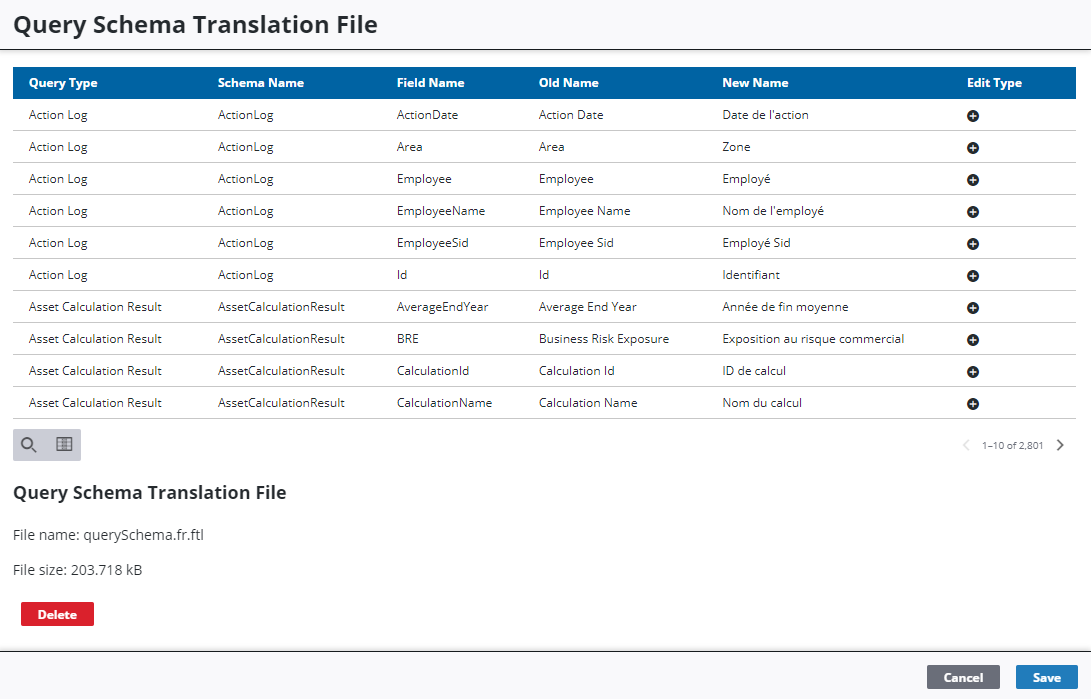
- Click Save.