Remove Incomplete Applications
You can delete incomplete Public Access applications initiated before a specified date, or applications that have been incomplete for more than a specified number of days.
|
|
 PREREQUISITES:
- From the home page, click PLL and click Incomplete Applications.
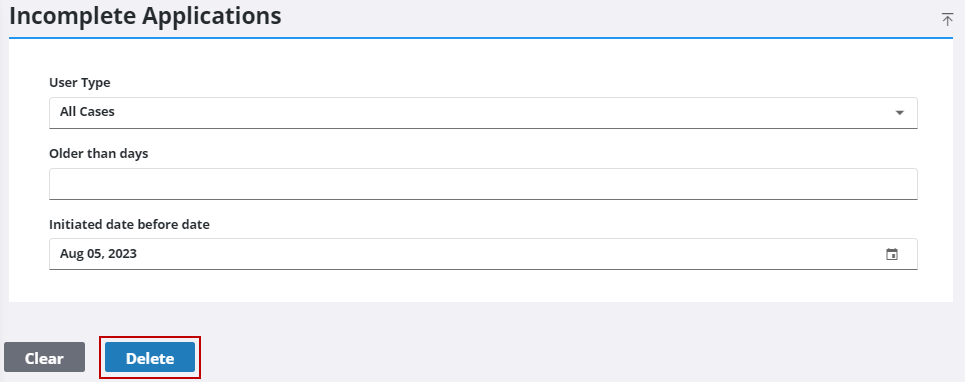
- On the Incomplete Applications panel, use the User Type drop-down list to select the user type that you want to delete the associated cases for (Anonymous (Guest) User, Registered (Guest) User, or All Cases).

 Remove Incomplete Cases that are Older than a Specified Number of Days
- On the Incomplete Applications panel, enter the desired number of days in the Older than days field and click Delete.

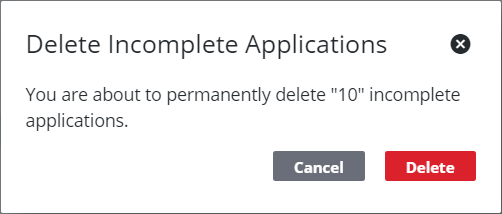
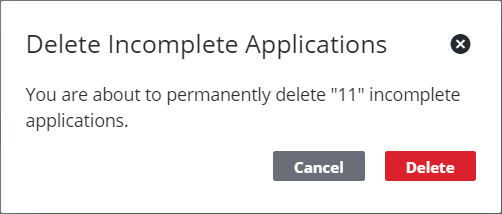
- On the Delete Incomplete Applications panel, click Delete.
Remove Incomplete Cases that were Created Prior to a Specified Date
- On the Incomplete Applications panel, enter the desired date in the Initiated date before date field and click Delete.
- On the Delete Incomplete Applications panel, click Delete.