Perform a Bulk Import
Multiple records can be added to a table at once from an uploaded CSV file.
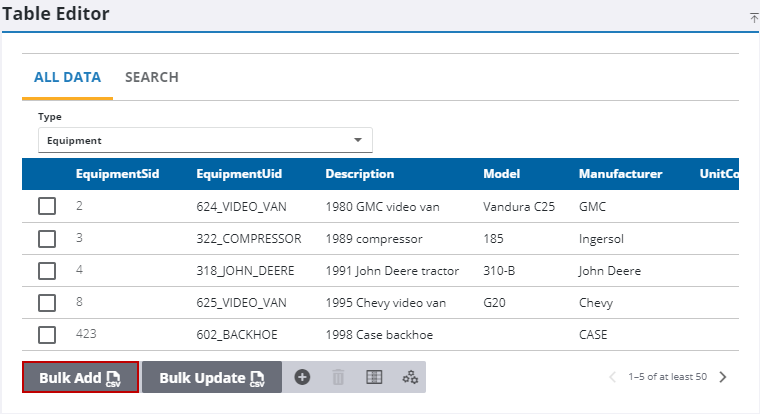
- Select what you want to add records to from the Type drop-down list.
- From the Type drop-down list, select which table you want to add records to in bulk.
- Click Bulk Add.
- Click Download CSV.
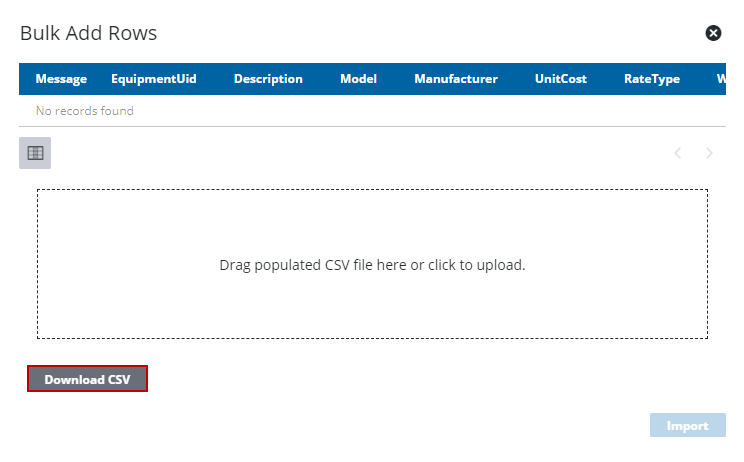
- Using the CSV template, enter as many new records as wanted.
- Drag the populated CSV file to the box on the Bulk Add Rows panel or click the box to browse to the location.
The new records can be reviewed on the Bulk Add Rows panel.
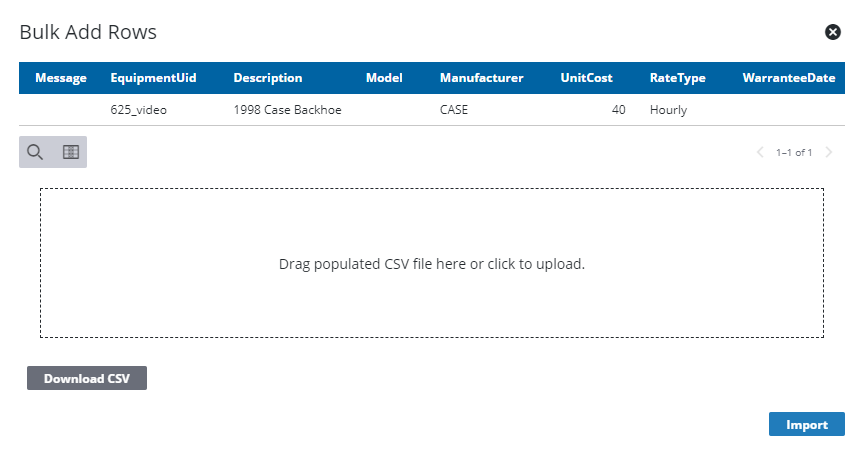
- Click Import.
 IMPORTANT: A bulk import does not populate everything. If you bulk add employees, you still need to add login credentials.