View or Edit Custom Fields
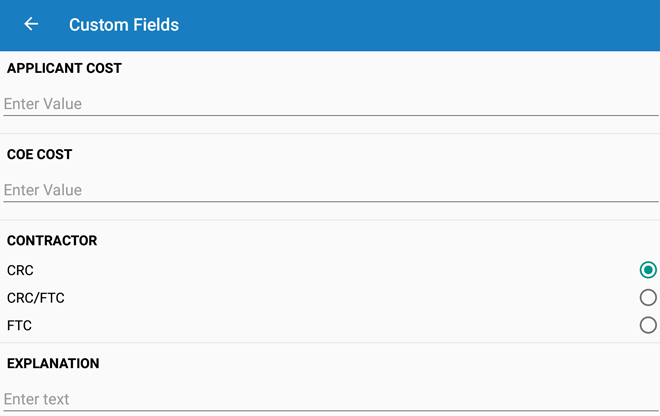
Custom Fields displays any custom fields associated with the service request.
 NOTE: Custom Fields shows the custom fields that are configured for the category associated with the service request.
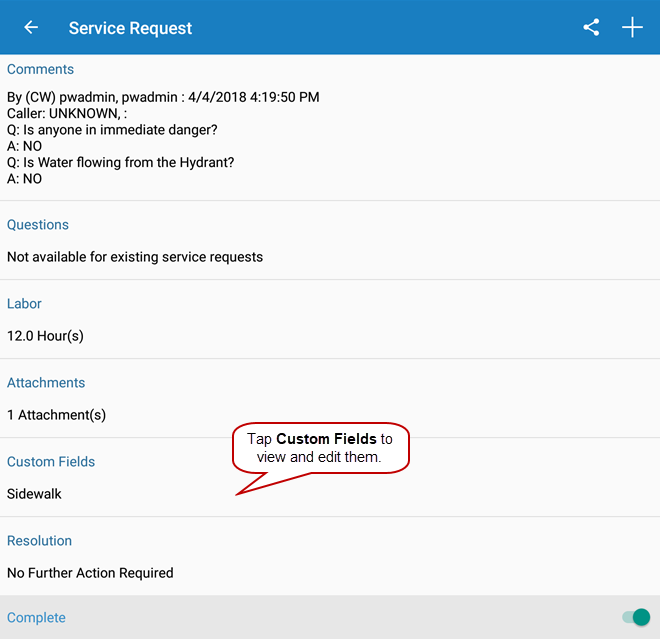
- Open a service request.
- Tap Custom Fields to view and edit custom fields.
- Tap each field to enter the applicable data. These fields may include dates, options, or text boxes.