Open a Work Order in ArcGIS Navigator
When you are viewing a work order in the mobile apps, you can open the corresponding work order in ArcGIS Navigator.
|
|
 PREREQUISITES:
- Open the work order you'd like to view in Navigator.
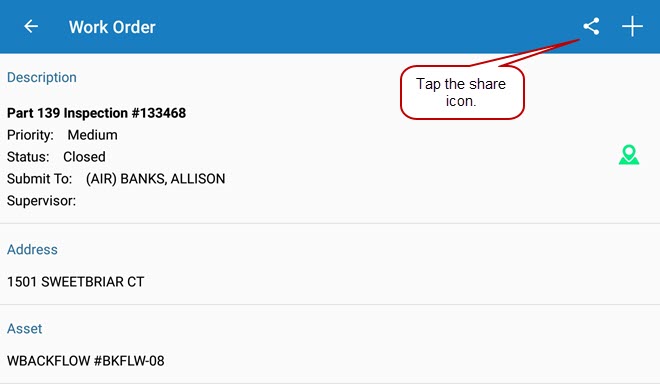
- Tap the share icon at the top of the work order.
- Tap ArcGIS Navigator on the Open In window.

Navigator opens with directions to get to the work order.
For more information on how the app links work, see the Explanation of App Links used in Cityworks Mobile Native Apps article on MyCityworks.
 IMPORTANT: Work activities must have a geocoded address for Navigator to generate directions.