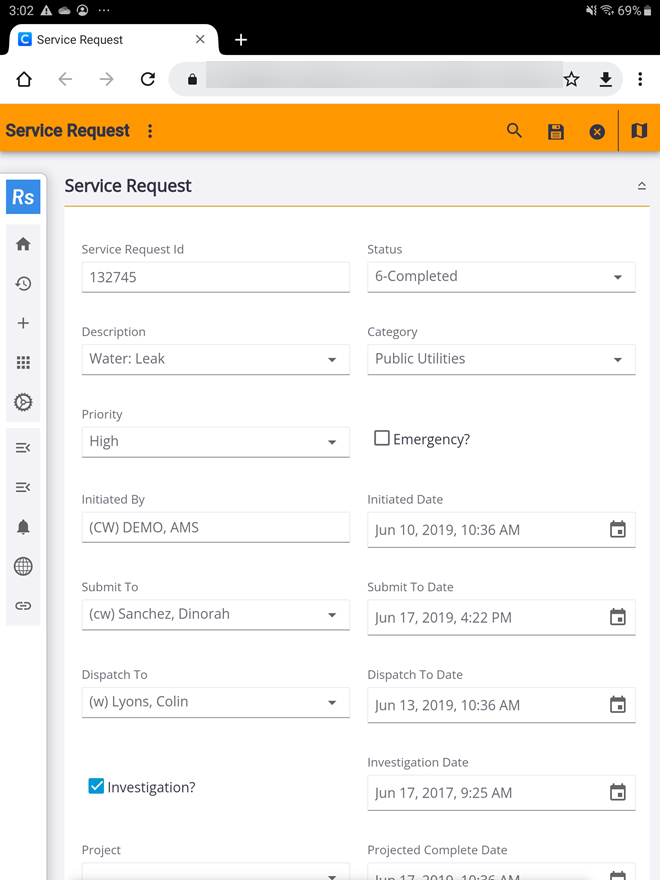
Open a Service Request in Respond
When you are viewing a service request in the mobile apps, you can open the corresponding service request in Respond.
|
|
 PREREQUISITES:
- Open the service request you'd like to view in Respond.
- Tap the share icon at the top of the service request.
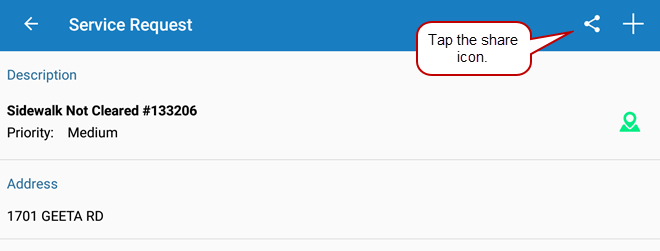
- Tap Cityworks Respond on the Open In window.

The service request opens in Respond.