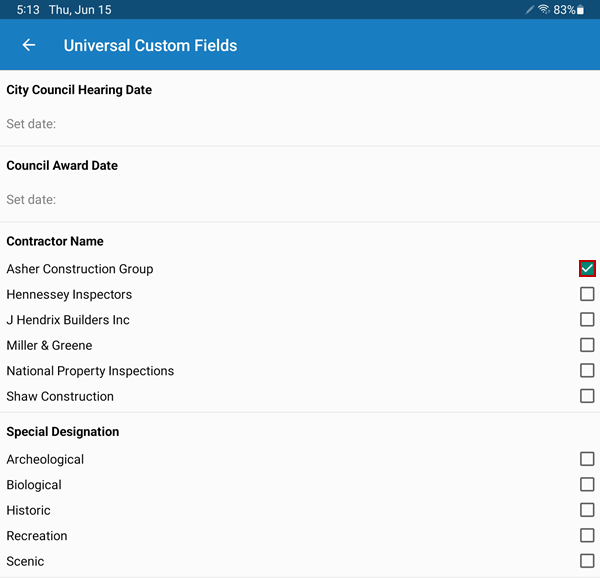
View or Edit Universal Custom Fields
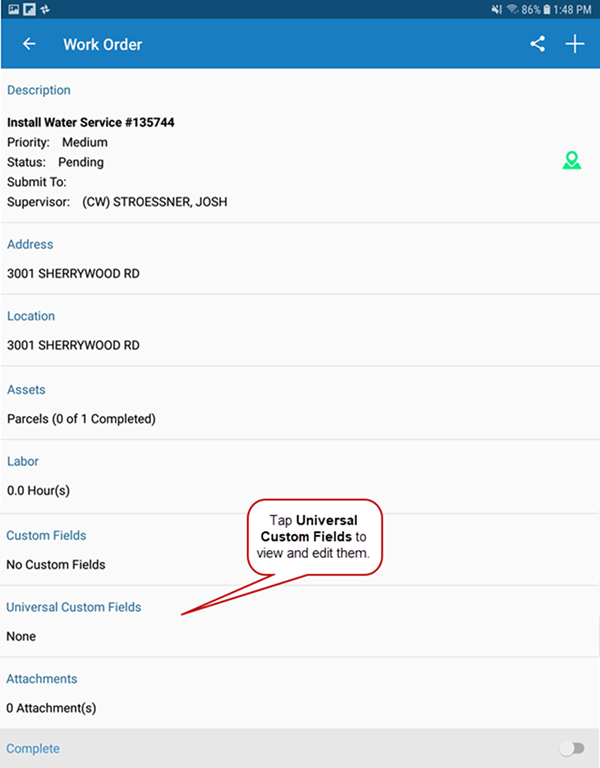
Universal Custom Fields displays any universal custom fields associated with the work order.
 NOTE: The Universal Custom Fields field shows the universal custom fields that are configured for the category associated with the work order. If universal custom fields are not configured, they are hidden by default on the work order.
- Tap each field to enter the applicable data. These fields may include dates, options, or text boxes.
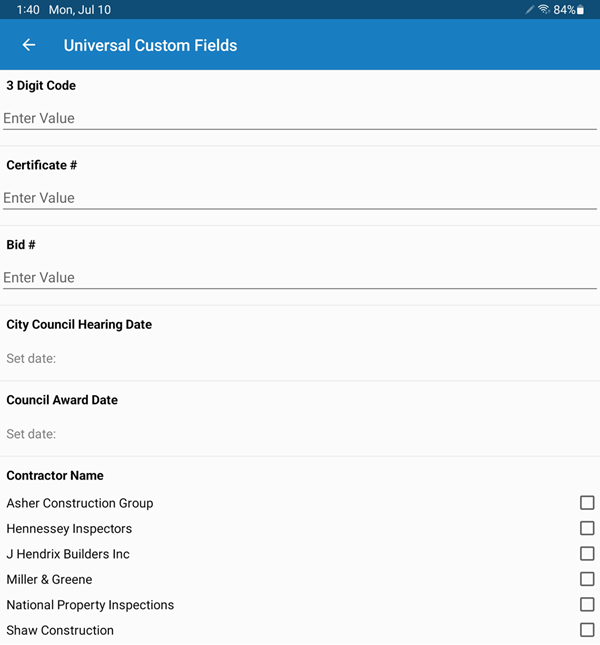
-
Tap the check mark to clear a selected field.