Remove Individual Assets from Selection
When multiple assets are selected on the map, individual assets can be removed from the selection.
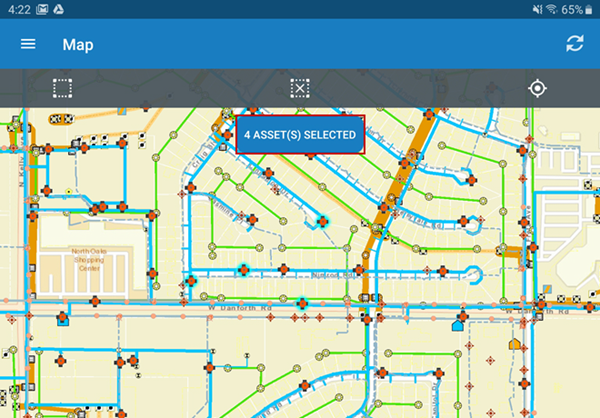
- Select multiple assets on the map. A message appears that shows how many assets were selected.
- Tap Asset(s) Selected to open the selected assets.
- On the Selected Assets page, tap Remove Asset under the asset to remove it from the selection. Multiple assets can be removed at one time.

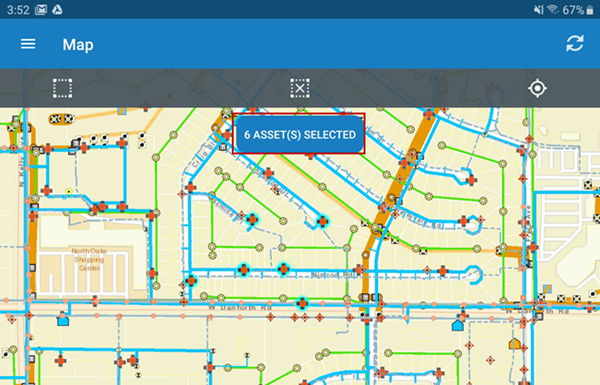
- Return to the map. Asset(s) Selected displays the updated number of assets.