Update the Work Order Address
Work order addresses can be added, updated, and geocoded from your mobile device.
- To add or edit an address, tap Address.
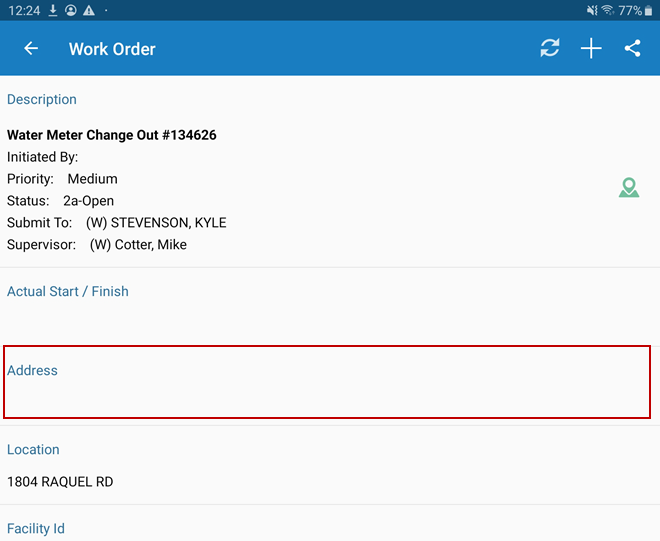
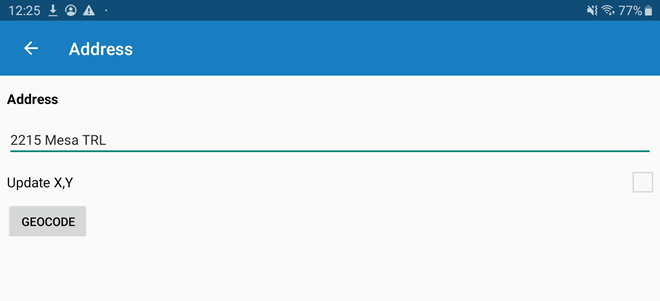
- Type the address in the Address field.
- Tap
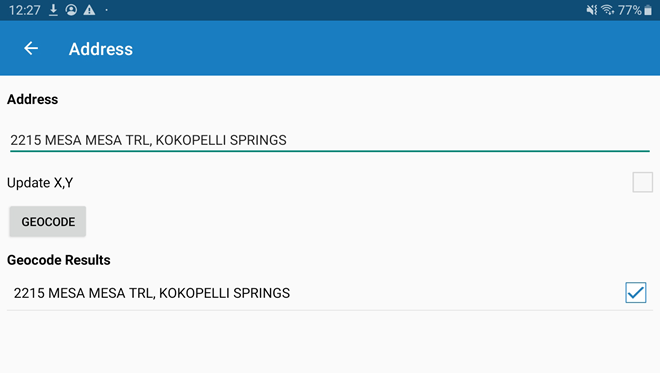
- Tap Geocode to geocode the address.
 NOTE: To geocode an address, the device must be connected to the internet.
- Select the correct address, then return to the work order.
With a geocoded address, the work order can now be opened in