Calculate Historical Maintenance Scores Migration
The Calculate Historical Maintenance Scores tool reviews historical work orders and calculates the maintenance scores based on current template values. The Calculate Historical Maintenance Scores migration only needs to run once when upgrading to Cityworks 2013 or newer.
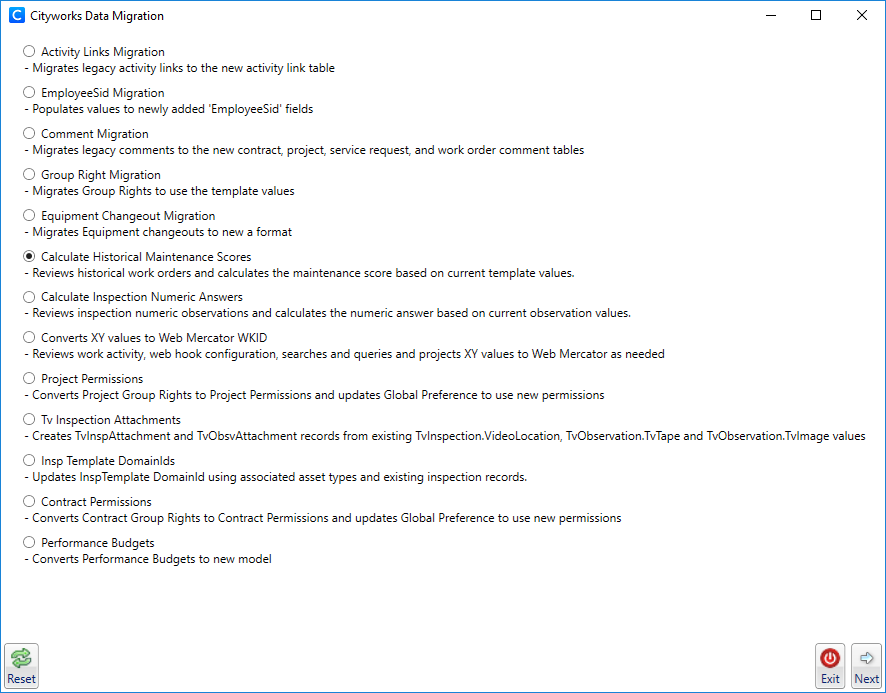
- Select Calculate Historical Maintenance Scores.
- Click Next.
- Click Calculate to calculate the maintenance scores.
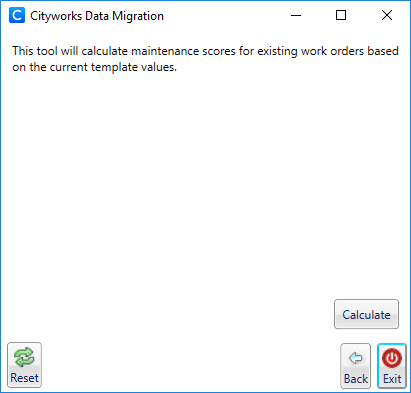
When the calculation is finished, you receive a notification of where to locate the Excel document that contains the updated historical maintenance scores. Open the document to view the migration changes.
- To return to the Cityworks Data Migration window, click Back.
- Click Reset to go to the Data Migration login page.
- To exit Data Migration, click Exit.