Add Assembly Parts to Material
Assembly parts are all the necessary materials needed to construct one finished product. For example, a stop sign would need a post, a sleeve, nuts and bolts, and the sign to construct it. You can add all those materials to an assembly and issue the assembly to a work order instead of issuing each individual material needed.
- Select a material from the Materials panel and click the Assembly Parts tab.
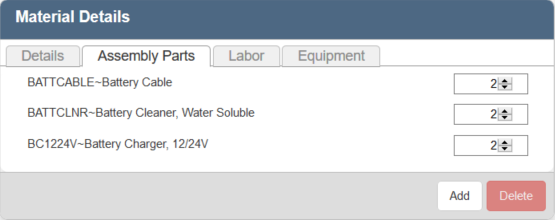
- To add a new part, click Add.
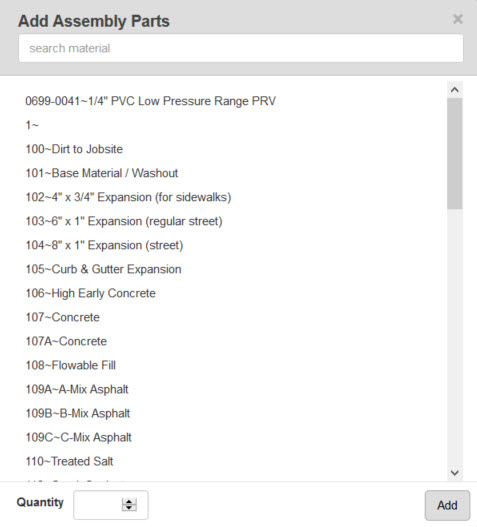
- Select the part(s) from the list. You can filter the list by typing the first few letters of the assembly part in the search box at the top. Optionally, use <Shift + click> or <Ctrl + click> to select multiple assembly parts.
 NOTE: Two materials must be selected on Add Assembly Parts panel to add them to the material.
- Enter the Quantity.
- Click Add.
- To remove an assembly part, select the part and click Delete.
NOTE: Designer automatically saves the changes you make. A notification will appear in the top-right corner of the window that says Data Saved when you make changes to the page.