Add or Edit a Custom Field Category
- From the Service Requests tab, click Custom Fields.
The Categories panel lists all existing custom field categories. You can filter the list by typing the first few letters of the custom field category in the search box in the top-right corner.
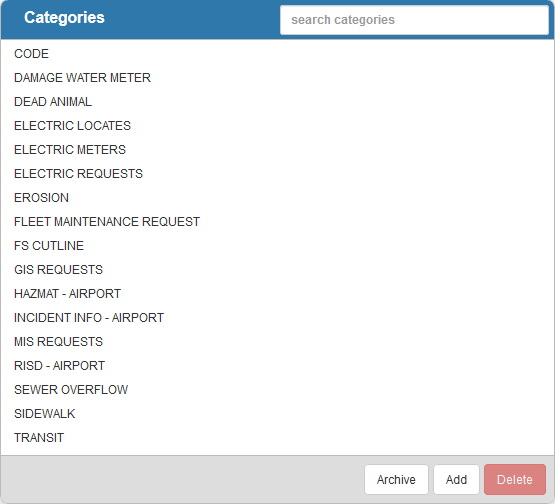
- Click Add to add a new custom field category.
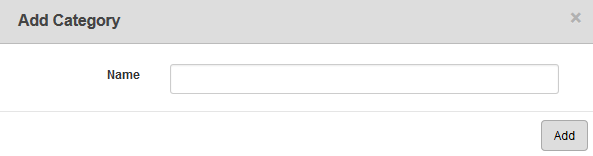
- Enter the Name of the category and click Add.
- Select the category from the Categories panel to finish entering the Category Details, like the Description.
- To edit a category, select it from the Categories panel and make the desired changes.
 NOTE:
NOTE: