Associate Other System Codes to a Service Request Template
Other System Codes allows you to relate a code and up to two descriptions from another system, like 311, to a service request template.
- From the Service Requests tab, click Other System Codes.
The Other System Codes panel displays the existing codes. You can filter the list by typing the first few letters of the code in the search field in the top-right corner.
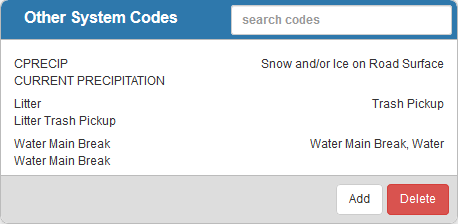
- Select the system code you'd like to associate to a service request template.
- In the Details panel, select a Request Template from the drop-down list.
 NOTE:
NOTE: