Add or Edit Predefined Comments for a Work Order Category
Predefined Comments are comments that are frequently added to a work order. This makes it easy for users to quickly add the comment to the work order without having to type it in. Predefined Comments are also helpful for standardizing responses for search queries.
|
|
 PREREQUISITES:
- From the Work Orders tab, click Predefined Comments.
The Categories panel lists all of the work order categories. You can filter the list by typing the first few letters of the category in the search box in the top-right corner.
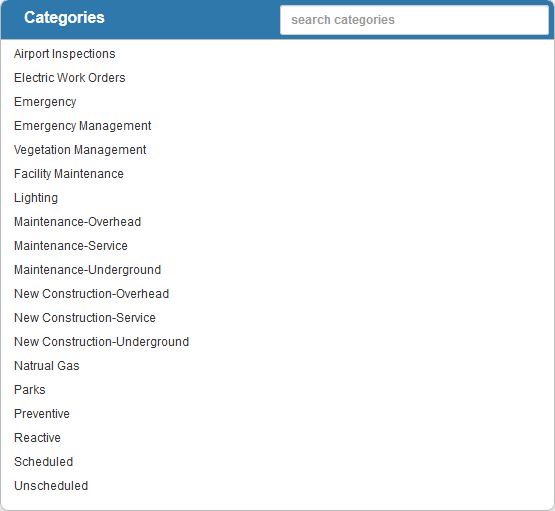
- Select the Category.
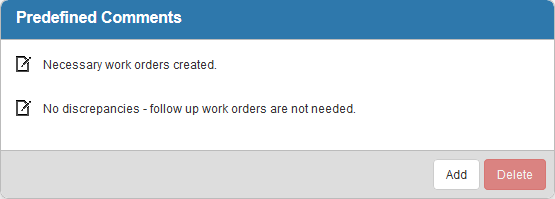
The Predefined Comments panel lists the existing comments.
- Click Add to add a new predefined comment.
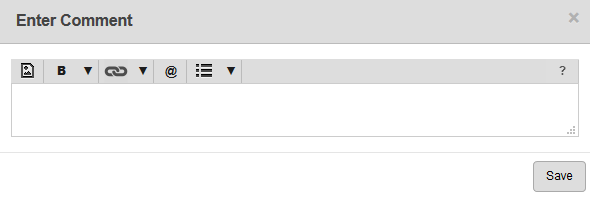
Formatting such as bold and italics can be added to the comment, as well as links to other work activities and URLs. User mentions allow users to mention another user in the comment and have that user be notified. See Comments for more information.
- Enter the comment and click Save.
- To edit a comment, click the edit icon, make your changes and click Save.
 NOTE:
NOTE: