Add Keywords to a Task Template
You can add keywords to a task template to make work orders that have a task associated to them easily searchable.
- Select a template from the Task Templates panel.
The Keywords section is used to add keywords for the task template.
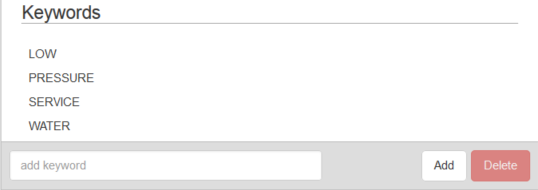
- Enter a keyword and click Add.
- To remove a keyword, select it and click Delete.
 NOTE:
NOTE: