Manage Token Authentication
API tokens can be created or revoked in the host.
- To log in to the host,

- Click Manage Profile
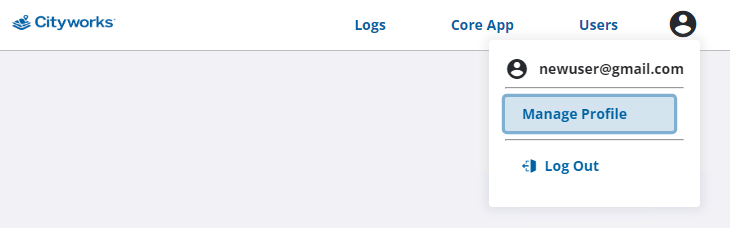
- Click Manage API Tokens.

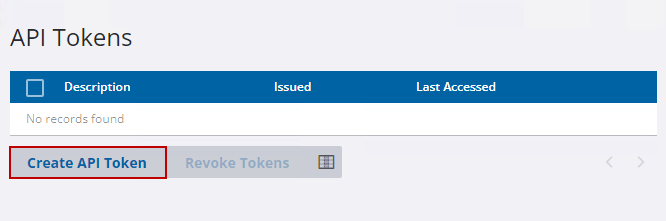
- To create a token for an API, click Create API Token.
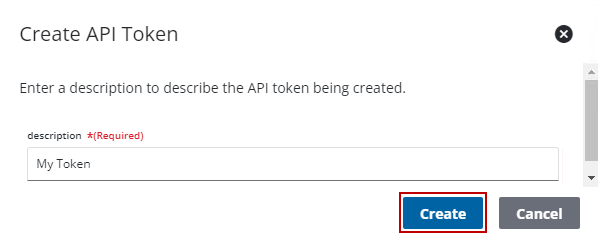
- Enter the description of the API token and click Create.
- To copy the API token, click Copy To Clipboard.

- Click Close.
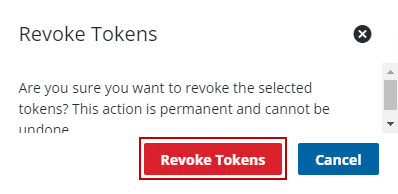
- To revoke a token, select a token and click Revoke Tokens.
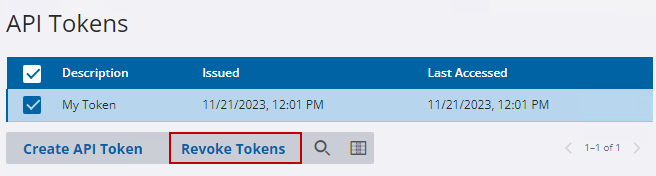
- Click Revoke Tokens.