Create Cityworks Administrator Login
A Cityworks domain and administrator login needs to be created.
- Open a browser and navigate to either http://<host>/<site_name> or https://localhost/<site_name>/Setup.
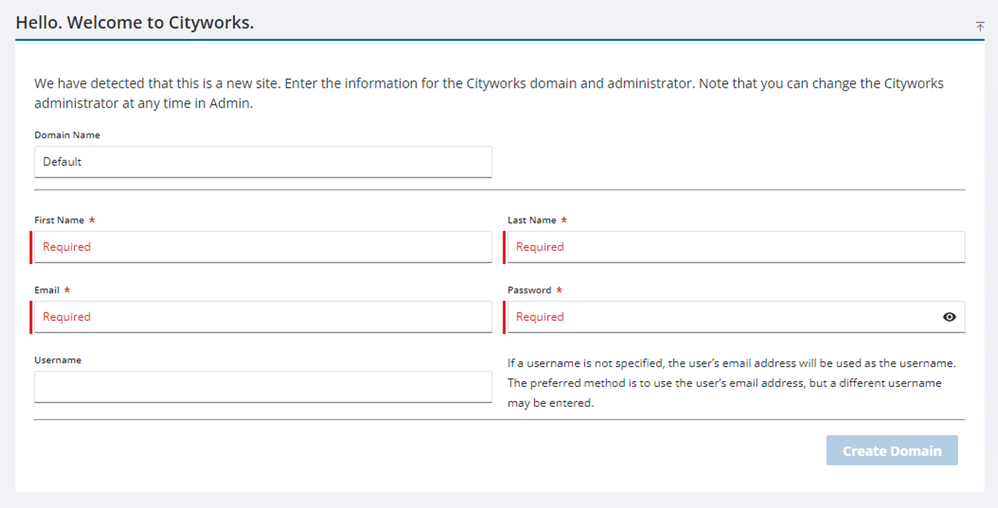
- The Domain Name will be set to Default, but you can change it if desired.
- Enter a First Name, Last Name, Email, and Password.
- Enter a Username if you wish for the user name to be something other than the Email value entered above.
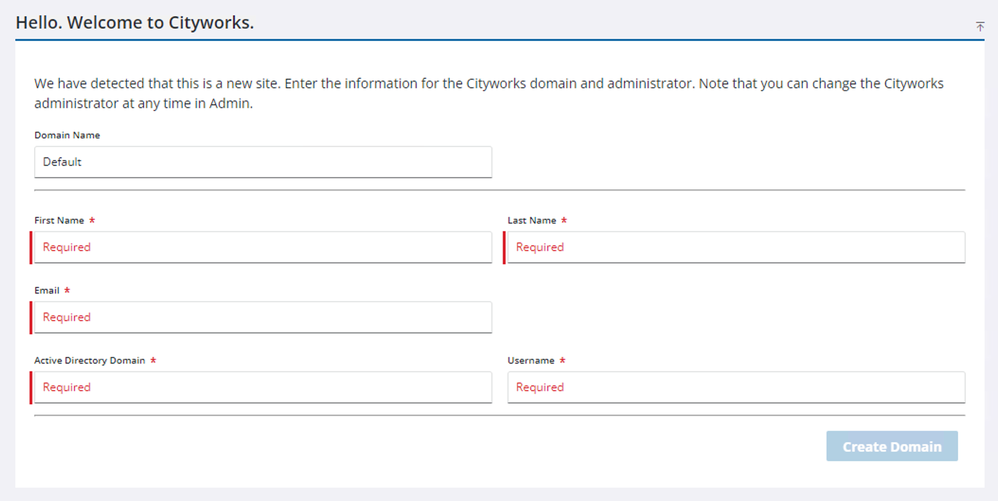
- If Windows Authentication is enabled, enter the Active Directory Domain.
- Click Create Domain.
- Click Go to login page.

You will be taken to the login page, where you can log in
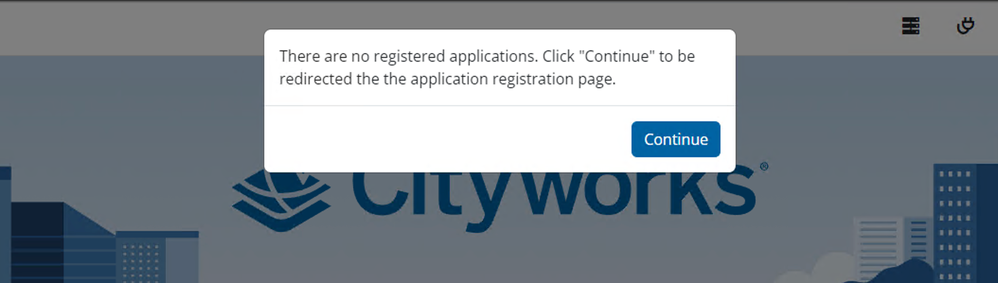
If no apps have been installed, you'll be redirected to the Plugin Management page.
- Click Continue.