Activity Links Migration
Activity links are the links between work activities (service requests, work orders, inspections, and cases). The tables where these are stored were changed at 15.4 and require a migration to copy legacy activity links for each work activity to the new activity link tables. The Activity Links Migration only needs to run once when upgrading to Cityworks 15.4 or newer.
 IMPORTANT: Only migrations relevant to upgrading to 15.1 and newer are included in this update guide. If you are upgrading from a version older than Cityworks 15.1, there may be other migrations that need to be performed. See the
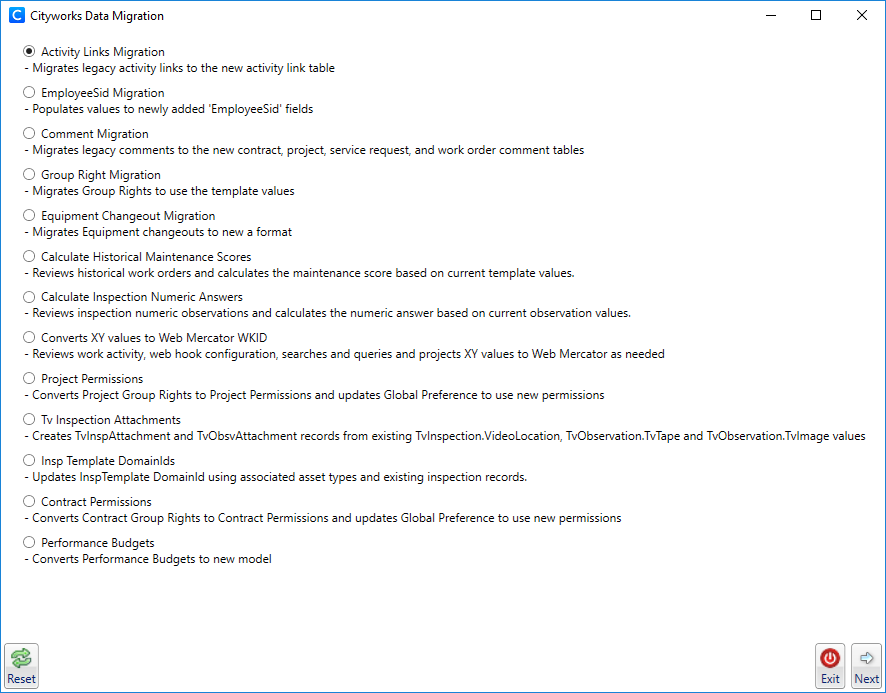
- Open the Data Migration tool.
 NOTE: To download the Data Migration tool, log in to MyCityworks and search for the download page for the version of Cityworks that you are using. See the
- Select Activity Links Migration.
- Click Next.
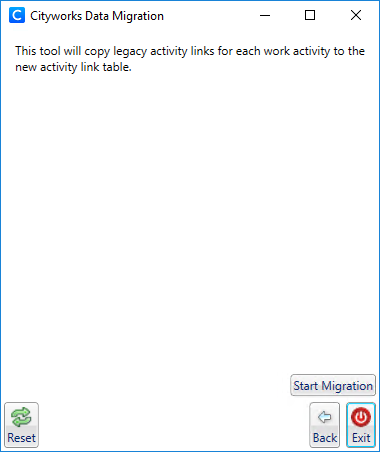
- Click Start Migration to begin the activity links migration.
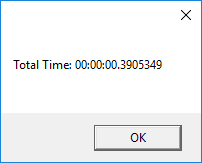
- Once it's done migrating, click OK.
- To return to the Cityworks Data Migration window, click Back.
- Click Reset to go to the Data Migration login page.
- To exit Data Migration, click Exit.