Manage Existing Users
Host users can be managed from the host. Roles that grants certain permissions, can be created and assigned to the host users.
- To log in to the host,
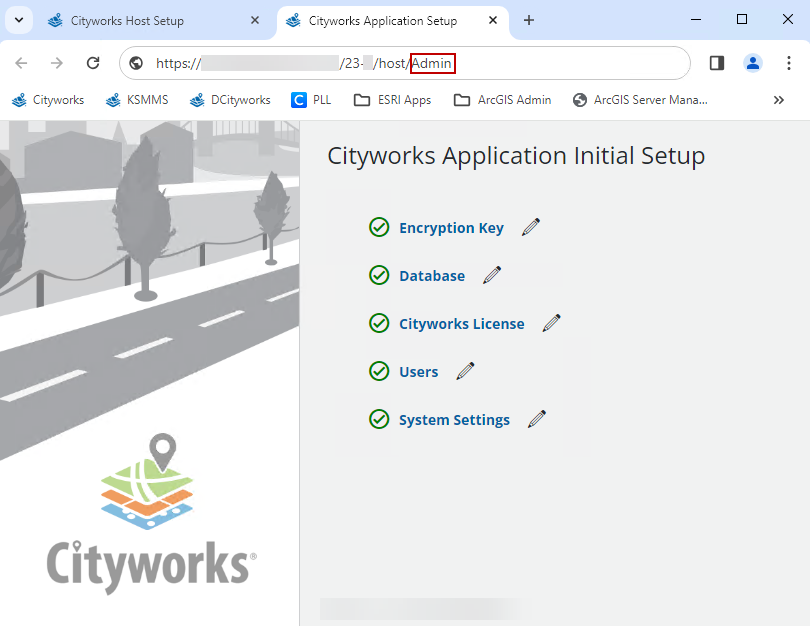
- Click Users.

Users can be added, edited, or removed from the Users tab.
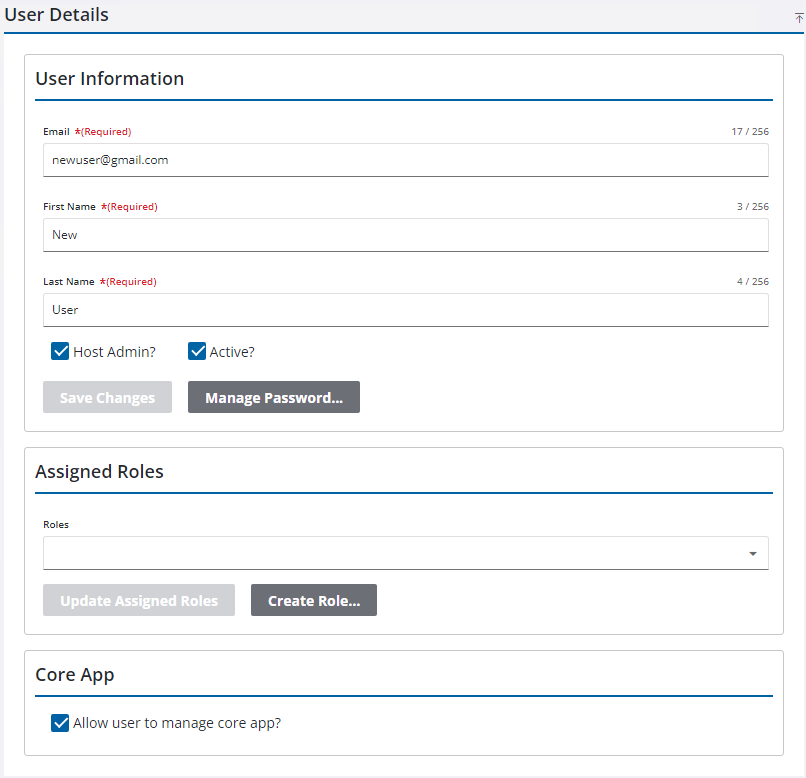
From the User Details panel, the user can be inactivated or designated as a host admin. Additionally, you can change their password, assign roles, and give them permission to manage the core app.
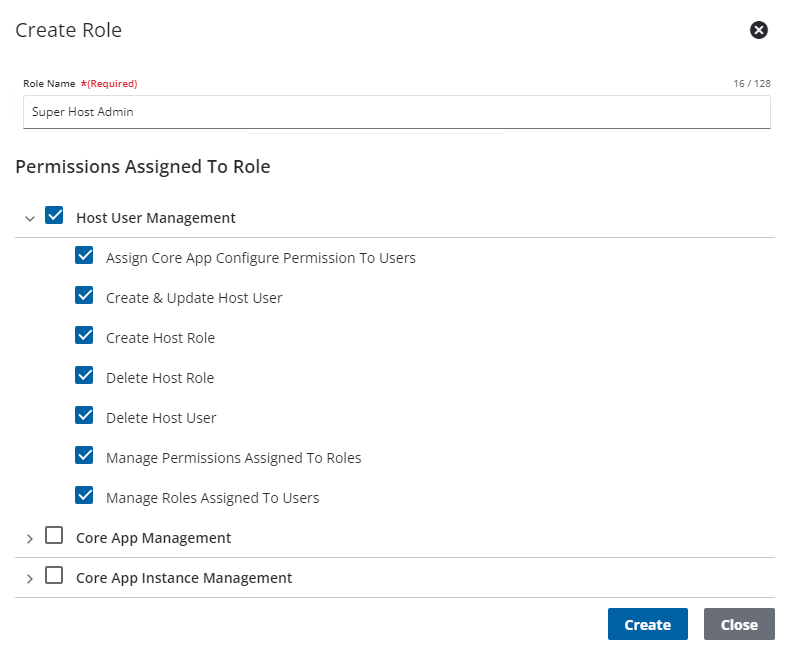
- Click the Roles tab to create roles.
- Click the add icon on the Roles panel.
- Enter the Role Name and select the desired permissions.
- Click Create.
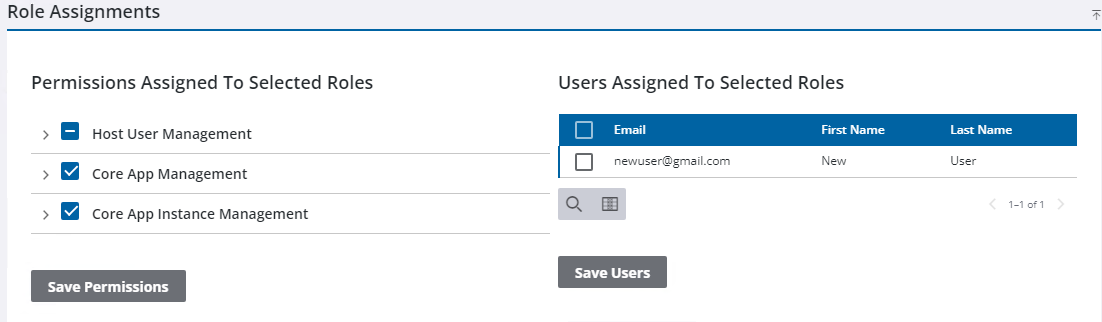
- Select the new role to edit the permissions or assign users to the role.
- Click Save Permissions or Save Users.