Edit Contract Details
Contracts can be edited or updated from the Contract Details panel.
- Open the contract. See Open Contract Details for more information.
- Make the edits on the Contract Details panel.
- Click Save in the upper-right corner.
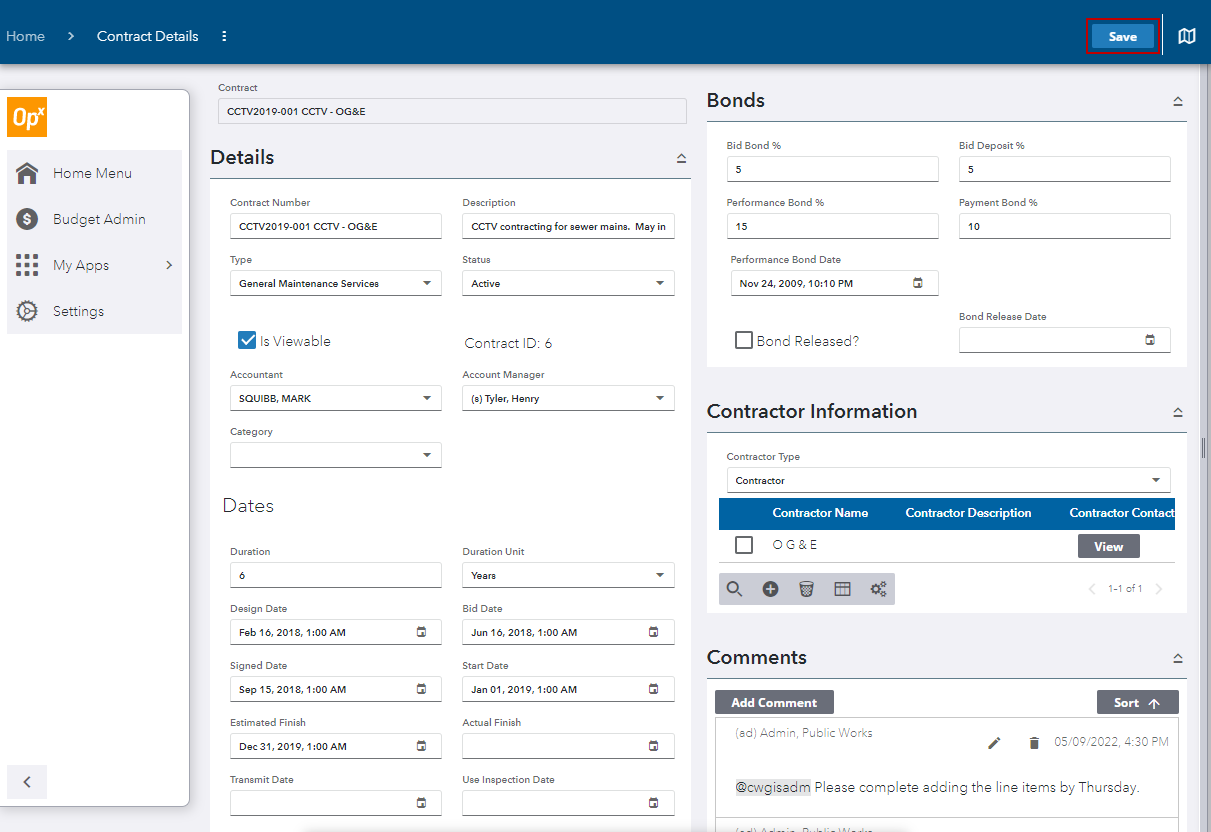
See Contract Details Panel Fields for more information.
 IMPORTANT: Make sure you click Save in the upper-right corner of the page to save any changes. Before any changes have been made, Save appears grayed out.
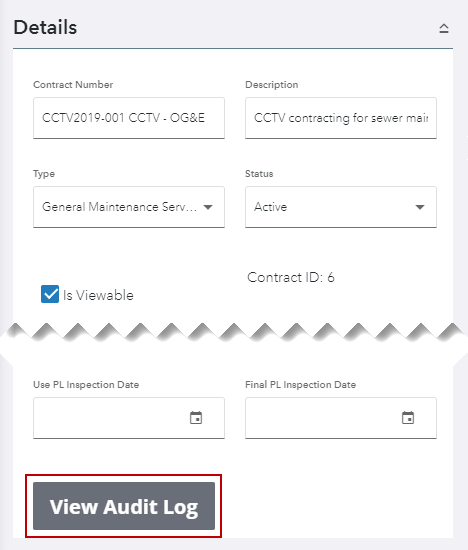
- Click View Audit Log to view all changes that have been made to the contract.
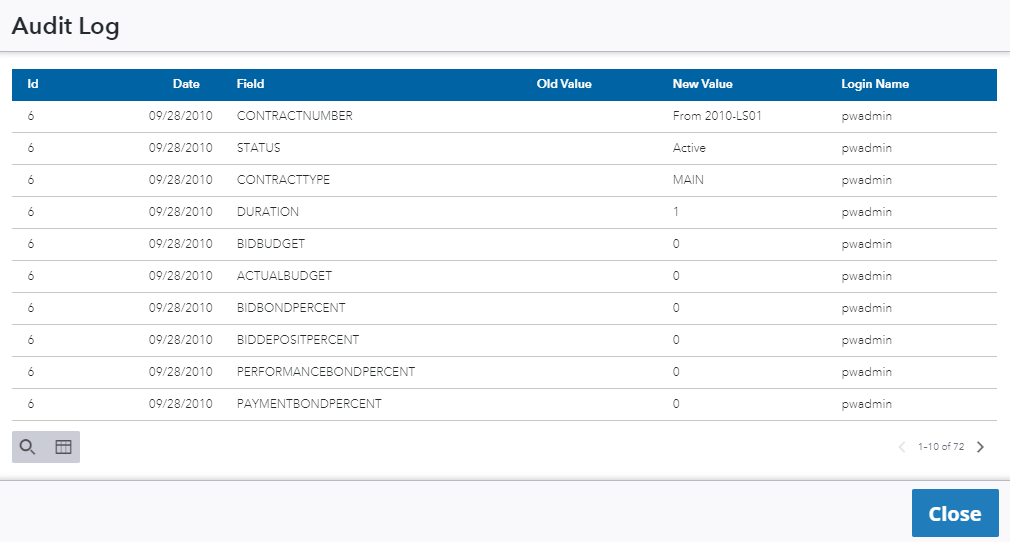
The Audit Log panel opens. The Date and Field column show when and what was changed, including the contract status.
- Click Close when finished.
See Filter Records for more information.