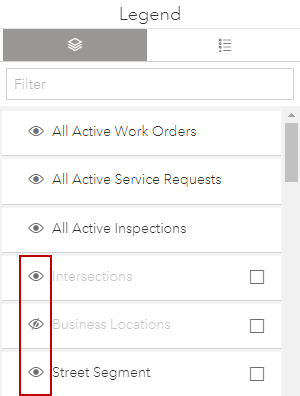
Make a Layer Visible
Assets appear on the map if the layer is visible.
 NOTE: Select the Group Event Layers check box to group active event layers by event type in the Legend map tool. See Event Layers for more information.