Create a New Contract
Create a new contract on the Home page.
 TIP: See Create a Contract for a quick start guide on this subject.
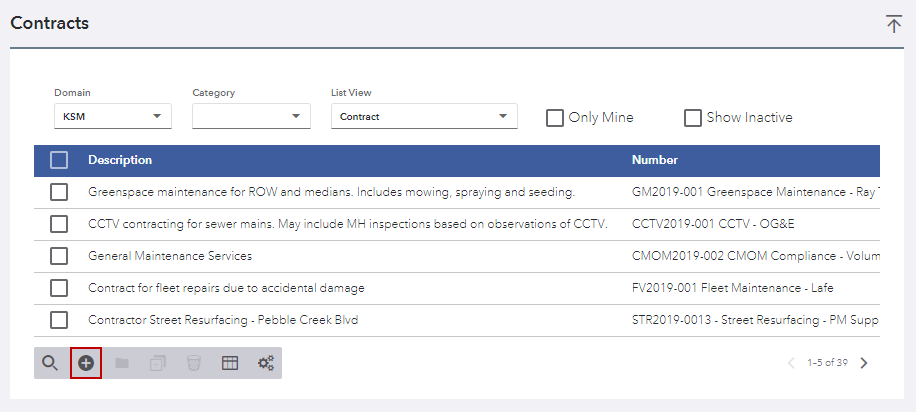
- Click Create Contract.
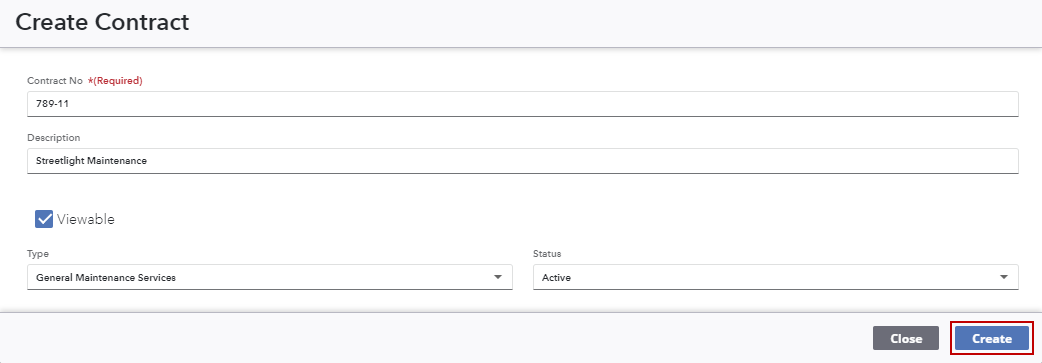
- On the Create Contract panel, complete the information for the new contract, including all required fields.
- Click Create.
The
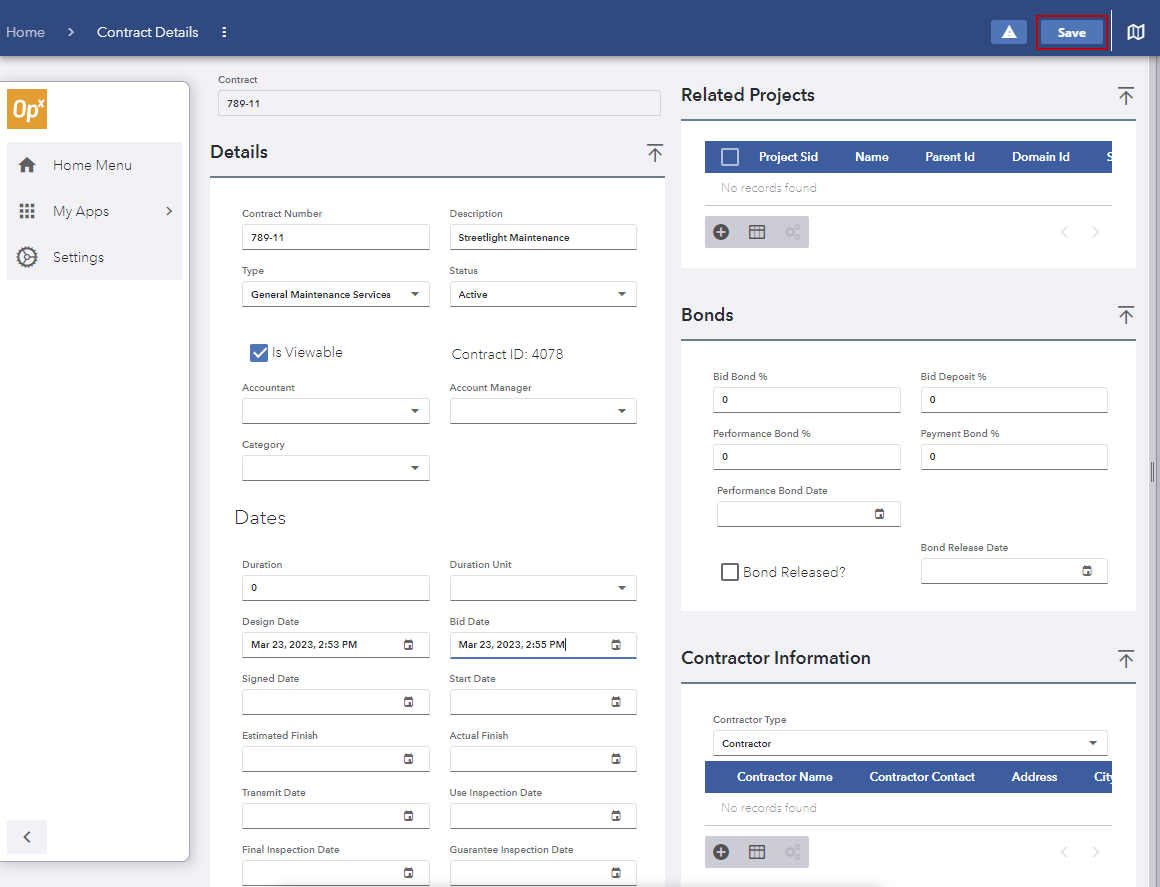
- Add details to the contract. See Contract Details and Contract Details Panel Fields for more information.
- Add details to the contract, including Details, Location, Asset Details, Financials, Contract Submittals, Related Projects, Bonds, Contractor Information, Comments, and Universal Custom Fields.
- Click Save on the upper-right corner.