Open Contract Details
You can open a contract to view or add details for the contract.
 TIP: You can filter the list of records displayed. See Filter Records for more information.
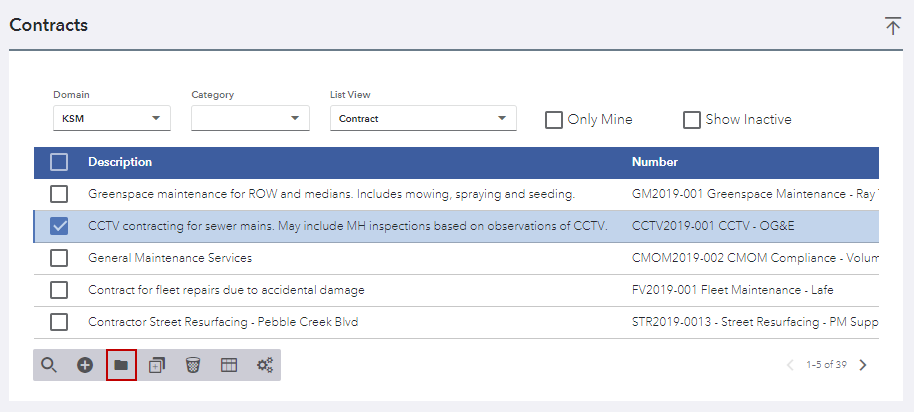
- Select the check box next to the contract or contracts you want to view.
- Click View details.
- When multiple contracts are selected, you can switch between them using the Contract drop-down list.

The Details, Location, Financials, Contract Submittals, Related Projects, Bonds, Contractor Information, Comments, and Universal Custom Fields panels populate with information about the selected contract.
- Click Home in the upper-left corner to return to the list of contracts.