View Work Orders
View work orders associated with a project.
- In the Summary View drop-down list, select Work Order.
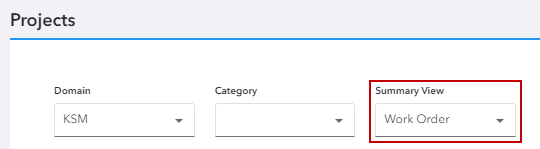
Any work order-related projects appear.
 TIP: You can filter the list of records displayed. See Filter Records for more information.
- Click View to the right of the project name.
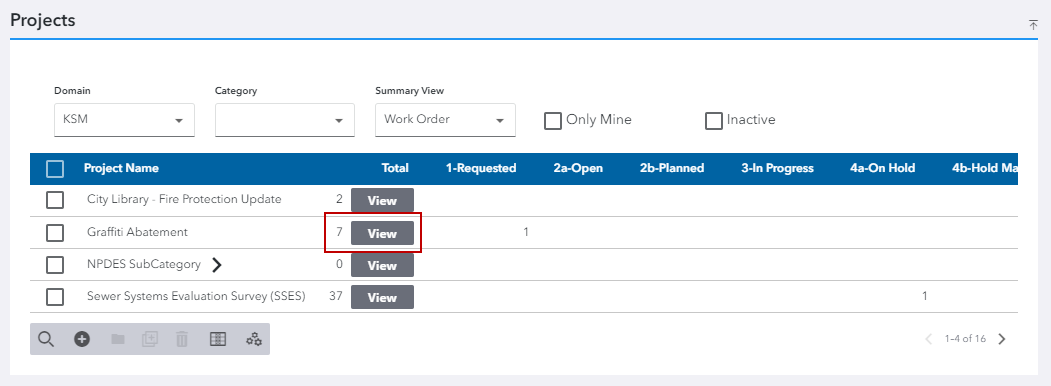
The View Work Orders panel appears.
- To open a work order in Respond, select the work order and click Open Work Orders.
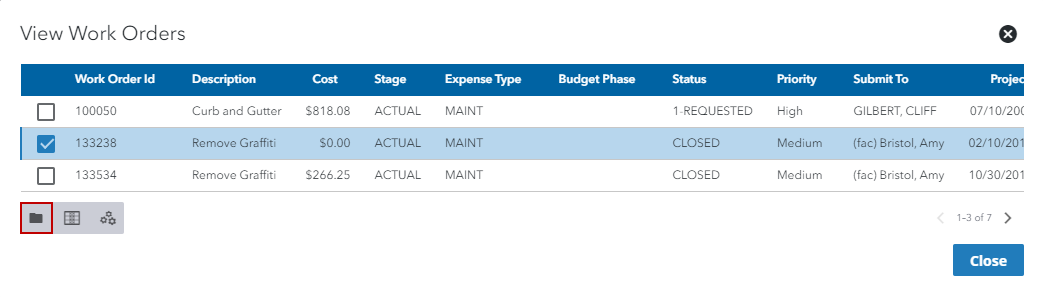
The work order opens in Respond in a new tab. See
You can also view associated work orders from the