Make a Subset Selection
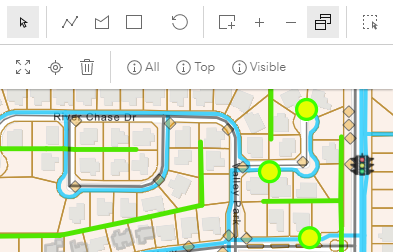
Once a selection has been made, assets can be selected within an existing selection. The Selection map tool is a floating panel on the map. See Selection Fields for more information on this panel.
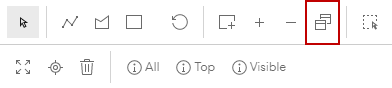
- Use one of the Select By tools to select specific assets within a selection on the map.
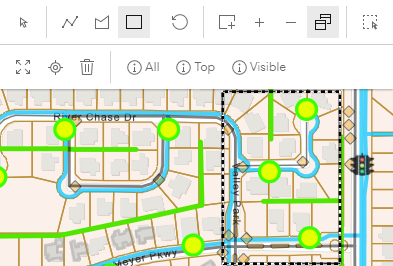
This keeps the assets inside your selection and removes the other assets outside your selection.