Find Longitude and Latitude
The measure tool can be used to find the longitude and latitude for a point.
- Open the Measure tool.
- Click Location.
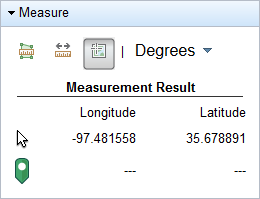
- Select Degrees or DMS from the drop-down list.
- Click a point on the map.
The location will appear under Measurement Result.
- To clear the point from the map click Location again.