Configure Payment Options for Public Access
|
|
 PREREQUISITES:
To enable this option, follow these steps:
- Open PLL Admin.
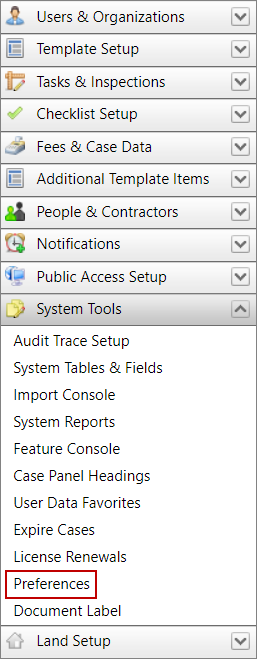
- On the PLL Admin page, click System Tools on the PLL Admin menu panel and select Preferences.
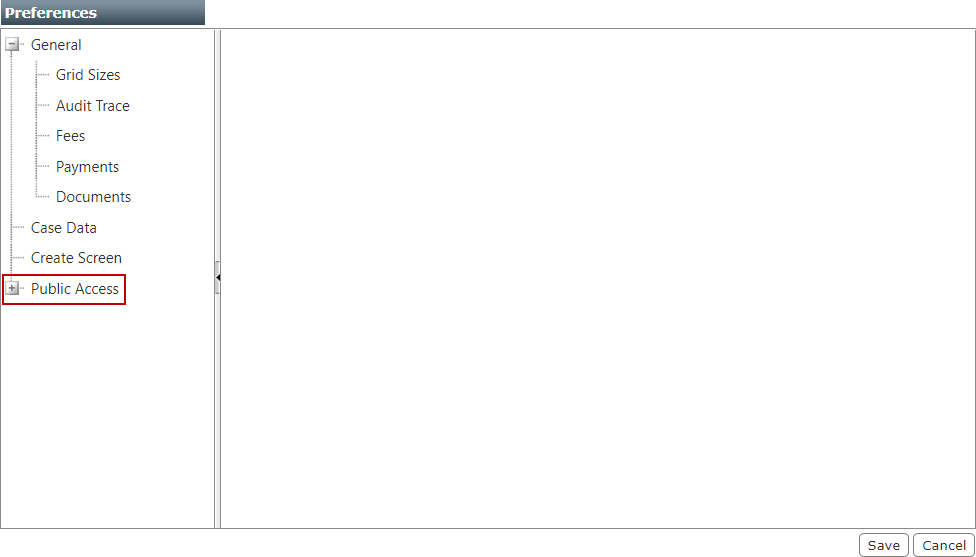
- On the Preferences panel, click the plus icon to expand Public Access.
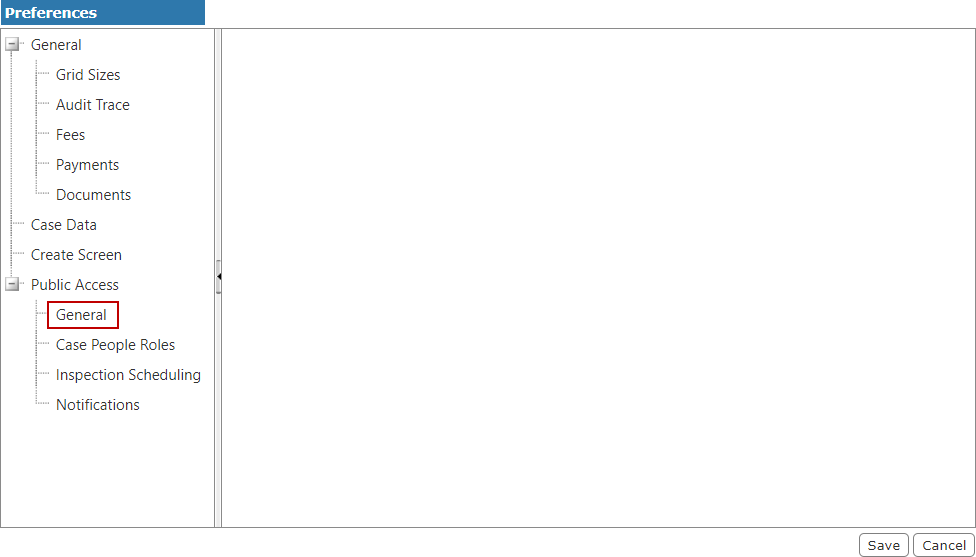
- From the expanded Public Access menu, select General.
- Select the Payment Option Visible check box to enable the Payment screen and allow users to pay fees as the final step of the application process.
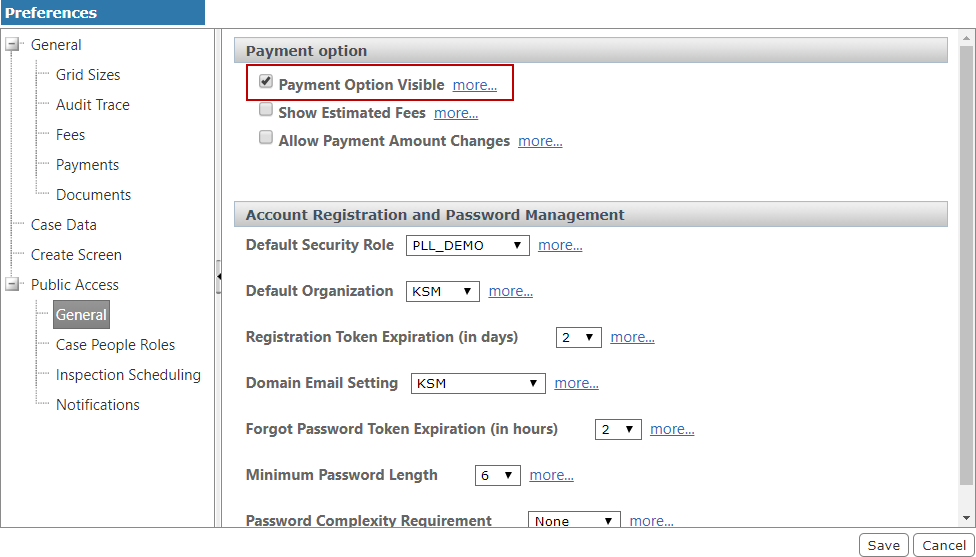
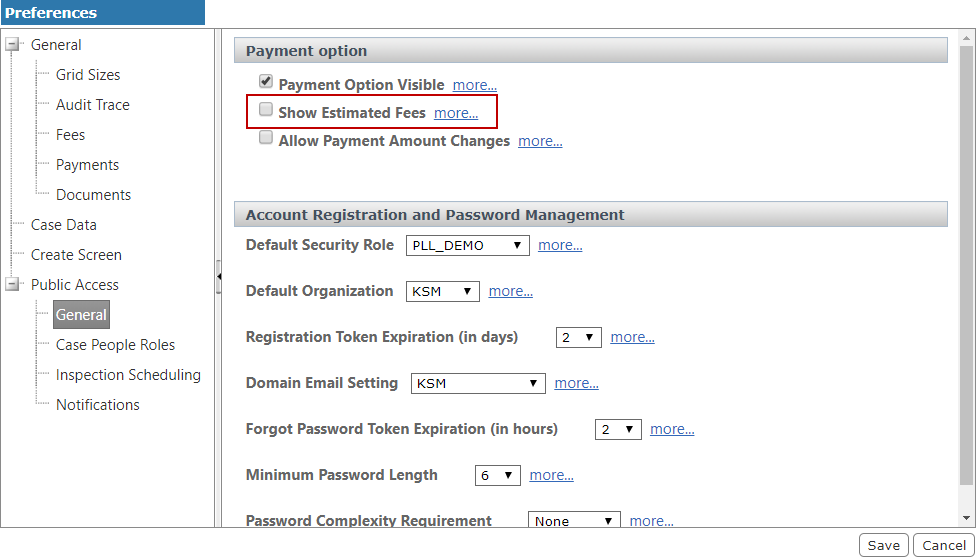
- Select the Show Estimated Fees check box to provide an estimate of the total fees for applications that include fees based on status changes.
- Select the Allow Payment Amount Changes check box to allow users to make partial payments by changing the payment amount.
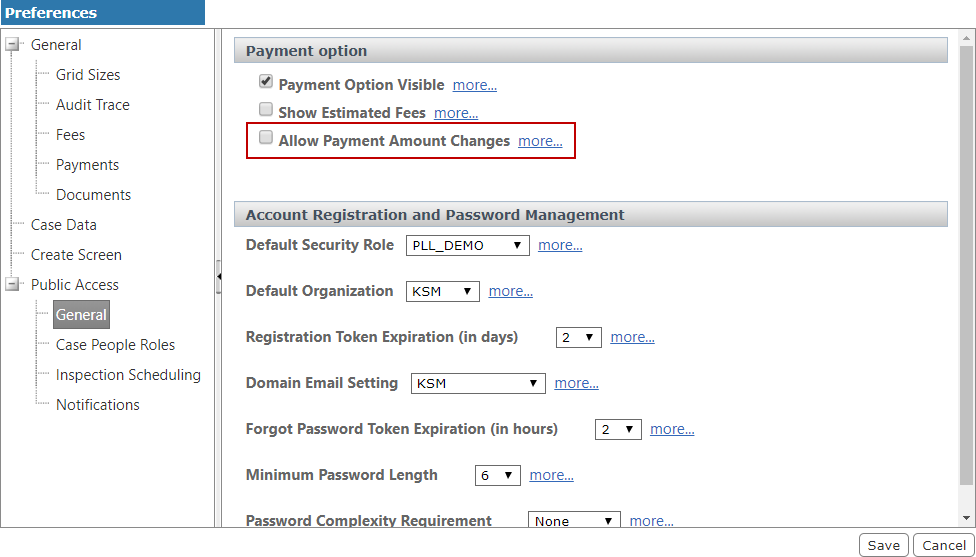
 IMPORTANT: This check box is a vital part of implementing phased payments on a case template. See Implement Phased Payments in Public Access for more information.
- Click Save.