Edit a Checklist Status Code
Existing checklist status codes (also known as correction statuses) may be updated or changed at any time without having to create entirely new checklist status codes to replace them. The following steps will walk you through the process of editing an existing checklist status codes.
|
|
 PREREQUISITES:
To edit an existing checklist status code, follow these steps:
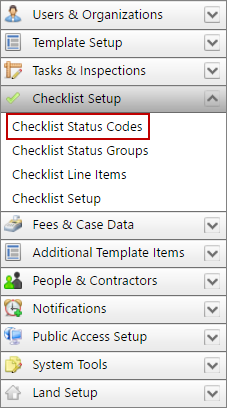
- Click Checklist Setup on the PLL Admin menu panel and select Checklist Status Codes.
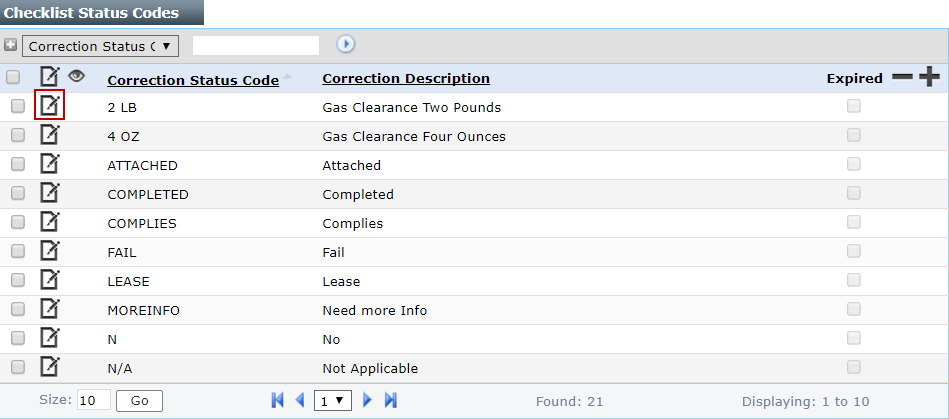
- On the Checklist Status Codes panel, click Edit record next to the checklist status code you want to edit.
 NOTE: Search or filter the records on this panel to quickly find the one(s) you want. See Search and Filter Records for more information.
- When the Edit: Correction Status panel opens, make any changes you desire. See Add a Checklist Status Code for more information.

NOTE: The Edit:Correction Status panel contains the same information as the Add: Correction Status panel, with the addition of the Expired check box.
- Click Save.