Remove a Task Map Layer
A task map layer may need to be removed from the system from time to time. This section will discuss how to remove a task map layer.
|
|
 PREREQUISITES:
To remove a task map layer, follow these steps:
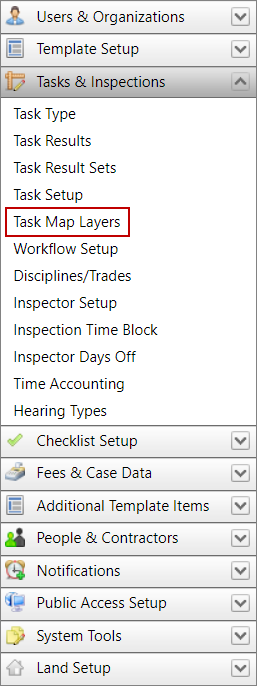
- Click Tasks & Inspections on the PLL Admin menu panel and select Task Map Layers.
- On the Saved Condition panel, click Delete the condition next to the condition to delete.
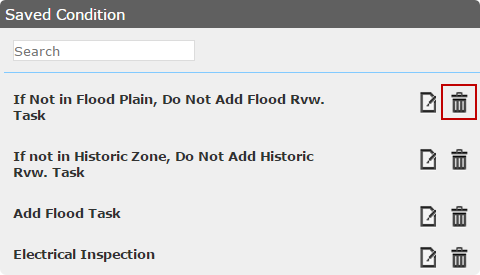
The condition will automatically be removed from the list.