View an External User's Information
The View option allows you to see more detailed information about an external user than is available on the main External Users panel.
|
|
 PREREQUISITES:
To view an external user's account information, follow these steps:
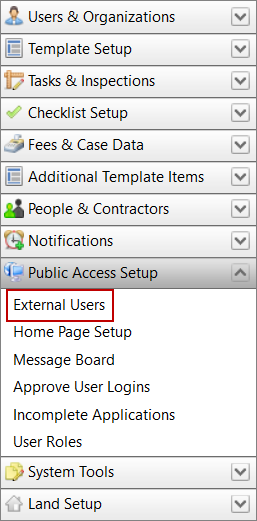
- Click Public Access Setup on the PLL Admin menu panel and select External Users.
- On the External Users panel, select the check box next to the login ID of the user whose information you wish to view, then click View at the top of the panel.
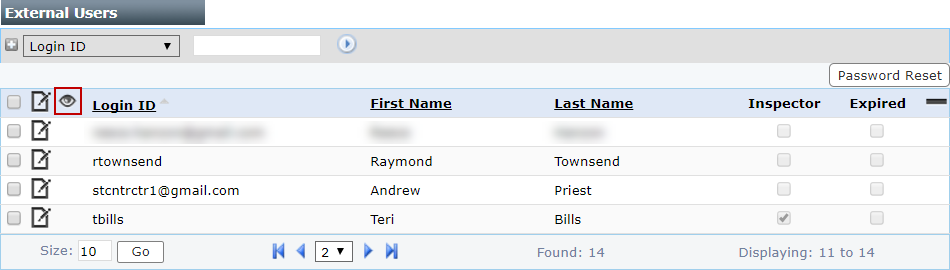
 NOTE: Search or filter the records on this panel to quickly find the one(s) you want. See Search and Filter Records for more information.
The View: Users panel displays all the basic information about the user.
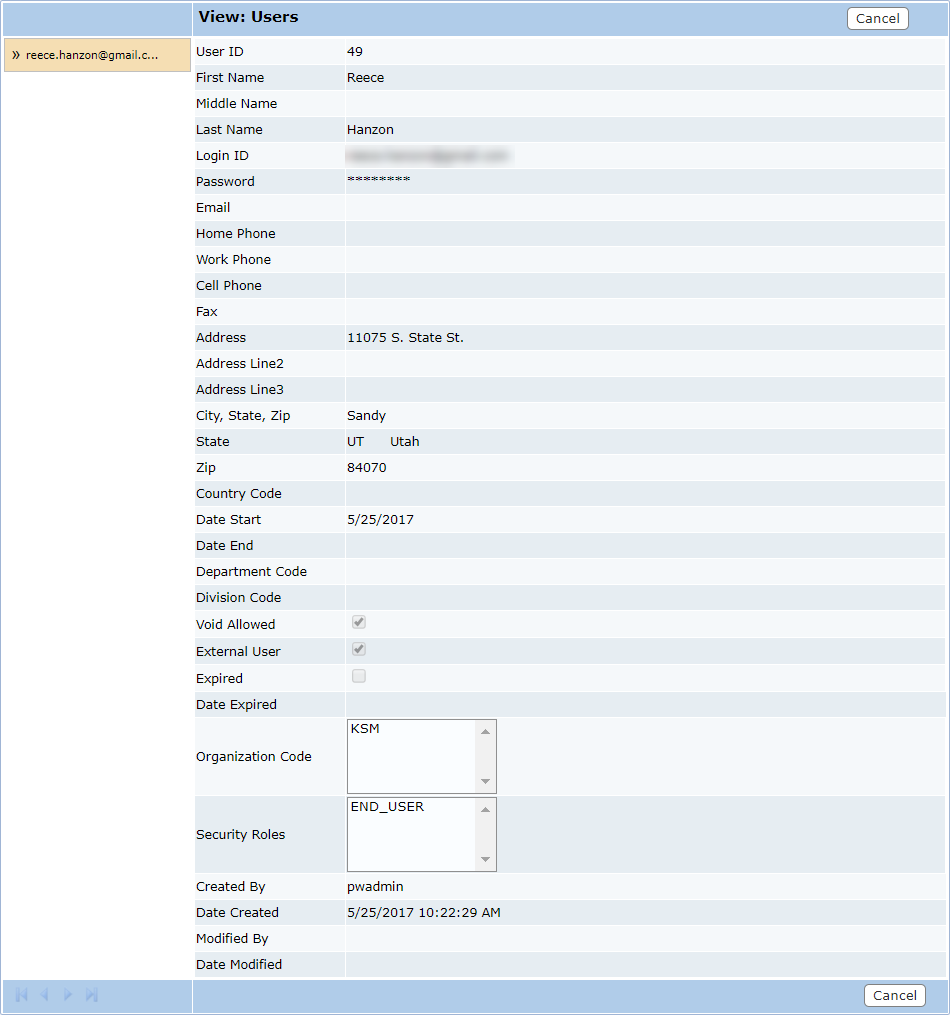
- Click Cancel to close the View: Users panel.