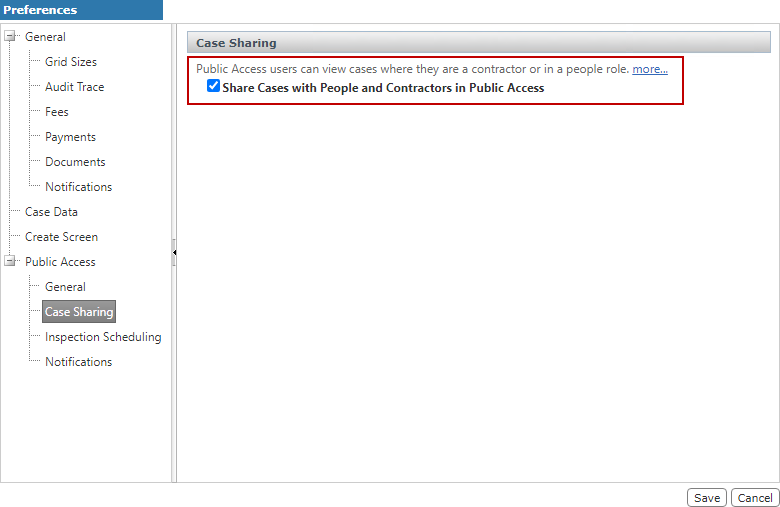
Allow Public Access Users to View Cases Created in Office for PLL
PLL administrators have the option of allowing Public Access users and contractors to view any cases they are attached to. By default, Public Access users cannot see cases created in Office for PLL.
 IMPORTANT: Use caution when enabling this preference because it allows data to be viewed site wide by both users and contractors. For example, if an organization has a people role where an offender is listed for code enforcement cases and the offender logs in to Public Access, that individual is able to see any cases filed against them. Likewise, when a contractor creates a Public Access account, they are able to see all cases where they are listed as the contractor, including cases created before they created their account.
|
|
 PREREQUISITES:
To enable this option, follow these steps:
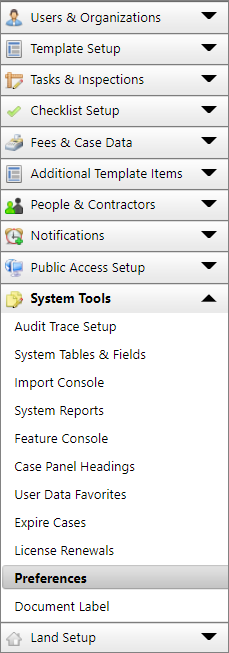
- On the Preferences panel,
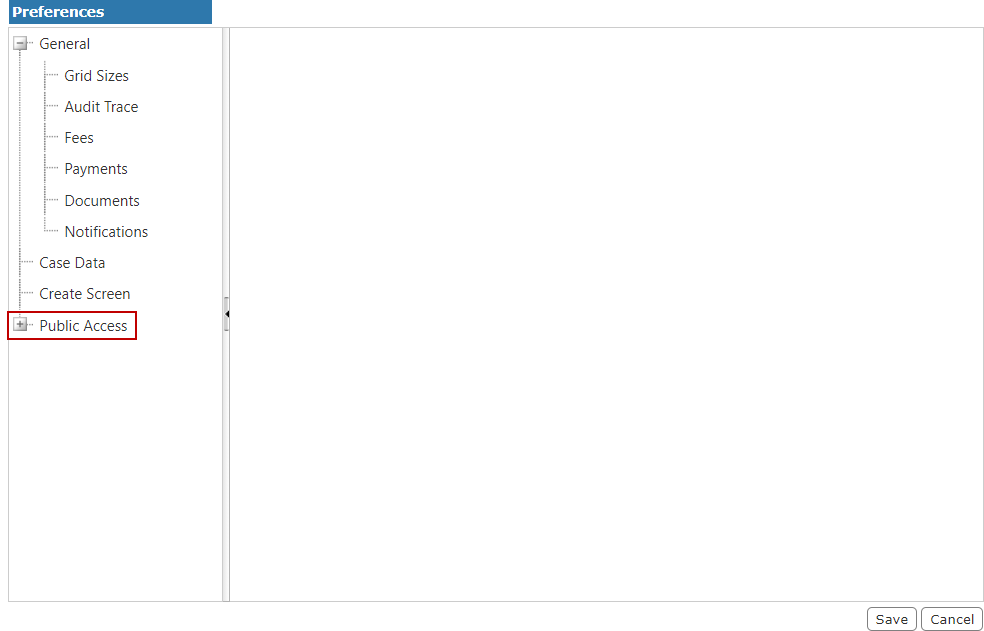
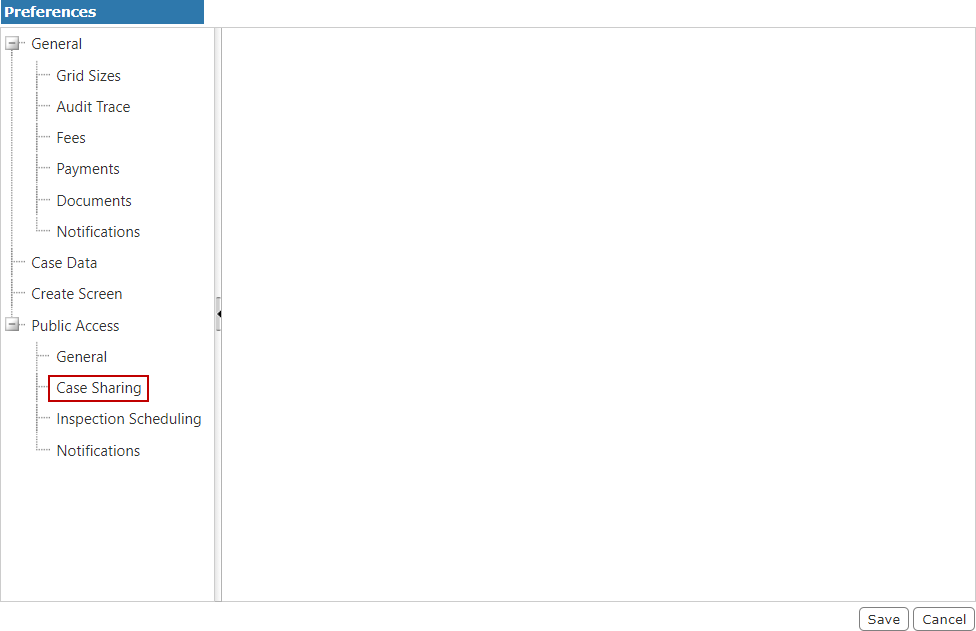
- From the expanded Public Access menu, select Case Sharing.
- On the Case Sharing panel, select the Share Cases with People and Contractors in Public Access check box.