Edit a Sub License
Existing sub licenses may be updated or changed at any time without having to create new sub licenses to replace them.
|
|
 PREREQUISITES:
To edit an existing sub license, follow these steps:
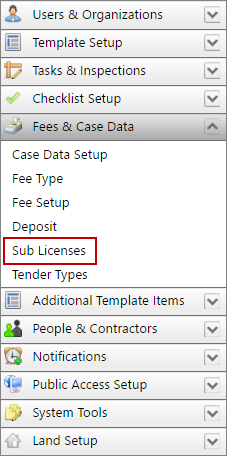
- Click Fees & Case Data on the PLL Admin menu panel and select Sub Licenses.
- On the Sub Licenses panel, click Edit record next to the sub license you want to edit.
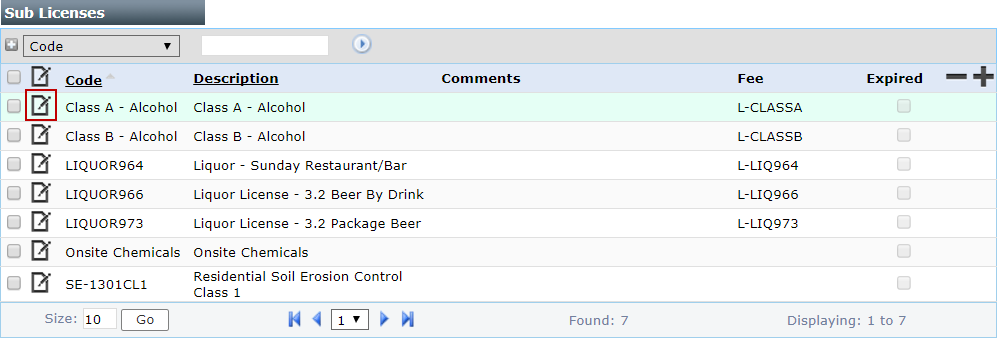
 NOTE: Search or filter the records on this panel to quickly find the one(s) you want. See Search and Filter Records for more information.
- On the Edit: License panel, make any changes you desire. See Add a Sub License for more information.
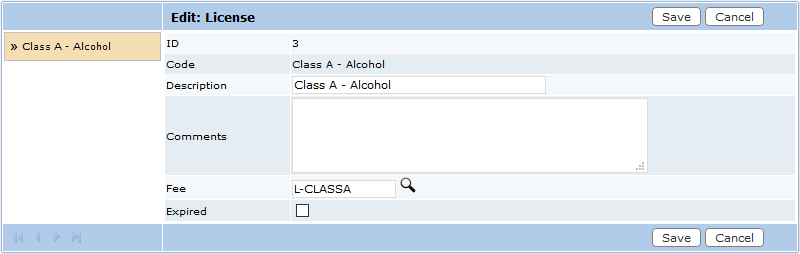
NOTE: The Edit: License panel contains the same information as the Add: License panel, with the addition of the Expired check box.
- Click Save.