Expire Licenses
Whether renewing or expiring licenses, administrators can begin the process for every license set to expire within a certain time frame or by a specific date using the License Renewals tool.
|
|
 PREREQUISITES:
To expire business licenses, follow these steps:
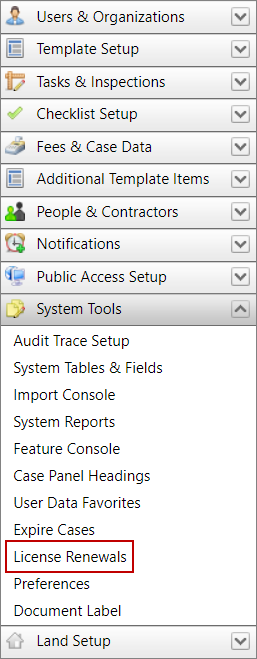
- Click System Tools on the PLL Admin menu panel and select License Renewals.
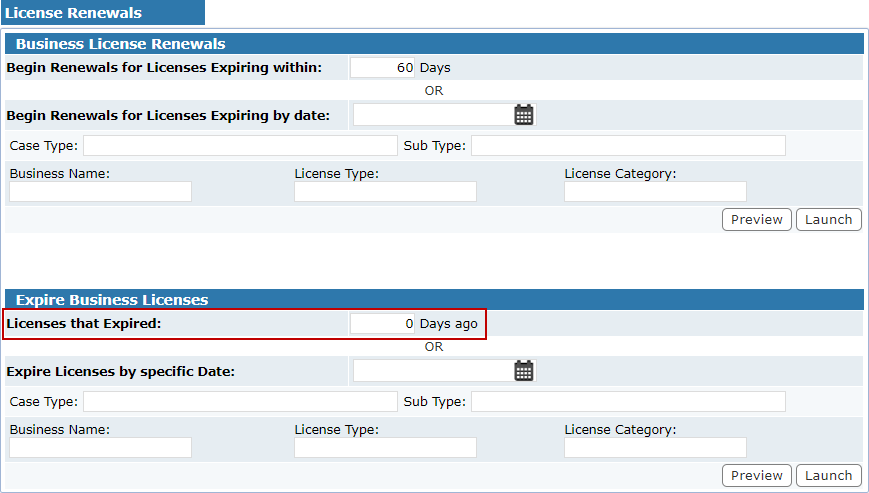
 Expire licenses by time frame
- Enter a number in the Days ago field.
- Click Launch.
This will automatically expire any license with an expiration date within the time frame indicated by the number of days you specified in the Days ago field.
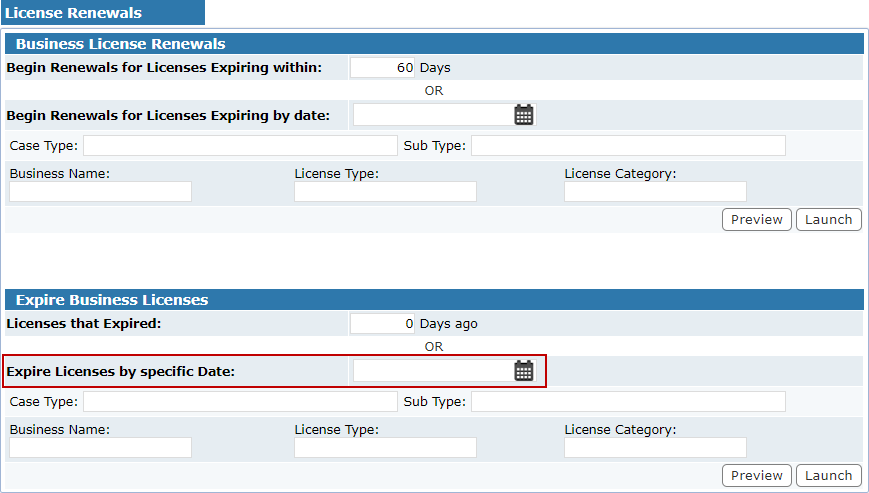
Expire licenses by date
- Enter a date in the Expire Licenses by specific Date field, or click the calendar icon to select a date.
- Click Launch.
This will automatically expire any license with an expiration date on or before the selected date.