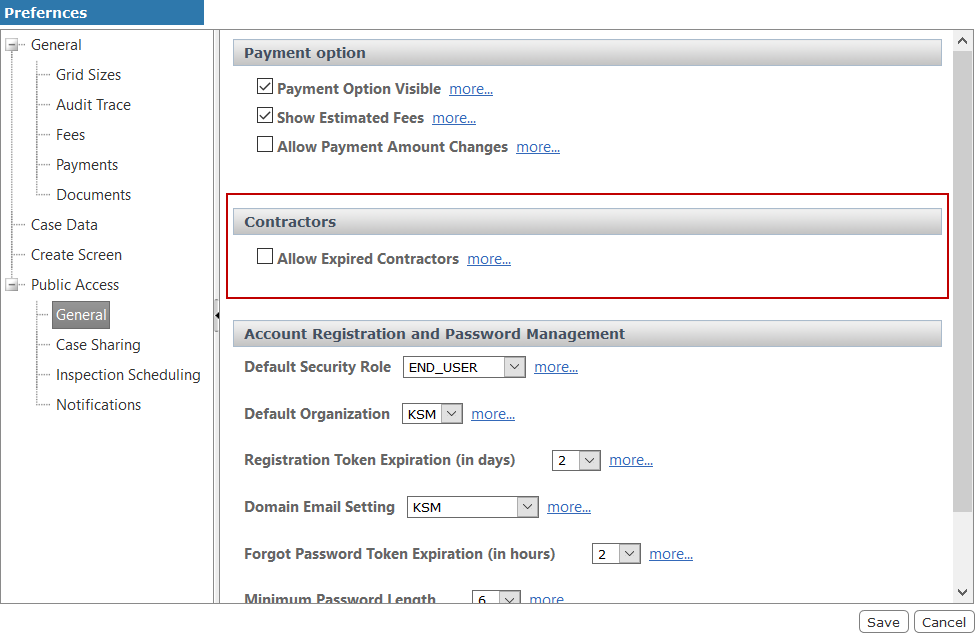
Allow Expired Contractors
By default, contractors with expired licenses do not appear in the list of available contractors in Public Access. However, PLL administrators have the option to allow expired contractors to appear in the list.
|
|
 PREREQUISITES:
To enable this option, follow these steps:
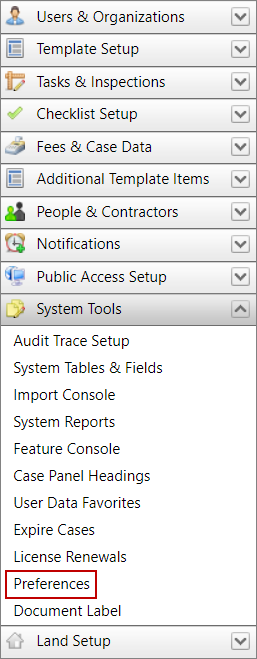
- Click System Tools on the PLL Admin menu panel and select Preferences.
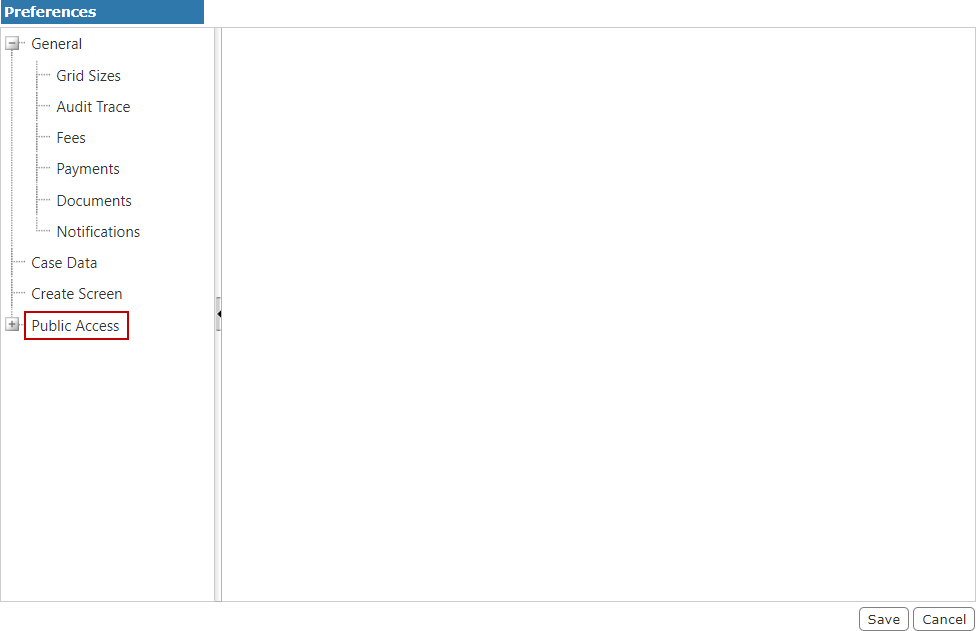
- On the Preferences panel, select Public Access.
- On the Public Access panel, select the Allow Expired Contractors check box and click Save.