Set the Number of Records to Display per Page
PLL administrators can control how many records appear on each panel in PLL. The default setting is 10 records per list page.
|
|
 PREREQUISITES:
To set the number of records that appear at a time, follow these steps:
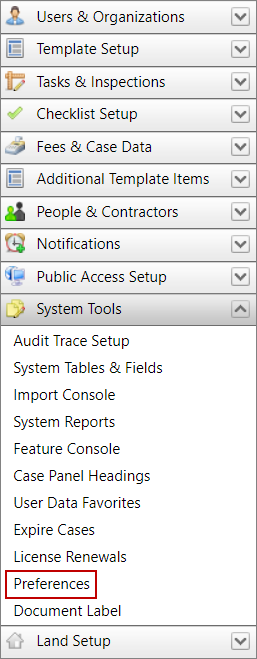
- Click System Tools on the PLL Admin menu panel and select Preferences.
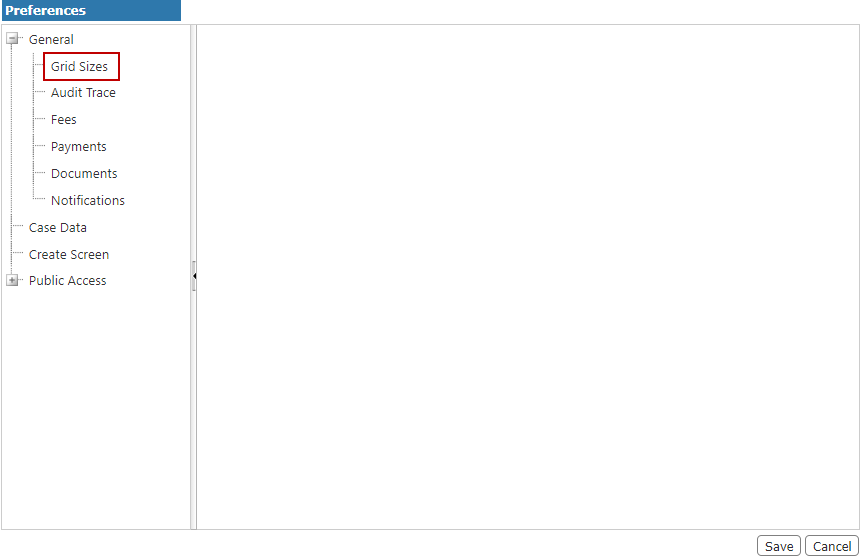
- On the Preferences panel, select Grid Sizes.
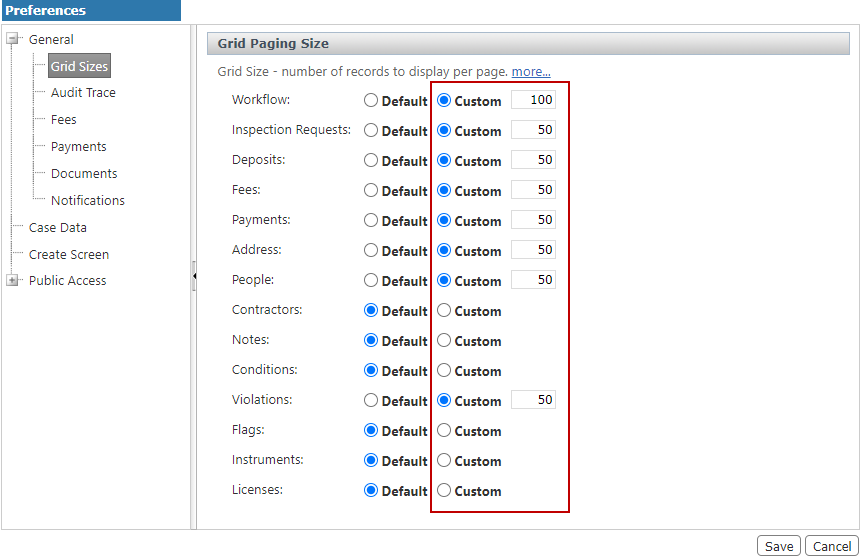
- On the Grid Paging Size panel, select the Custom option button next to the name of the panel you wish to change.
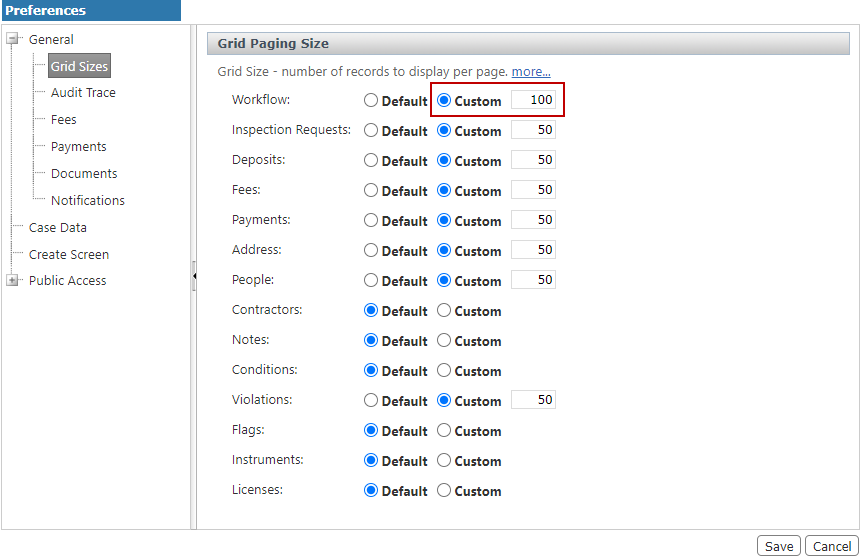
- Enter a number in the field next to the Custom option button. This number will represent how many records display on each list page.
- Click Save.