Add a Report
|
PREREQUISITES:
|
To add a new report to the System Reports repository, follow these steps:
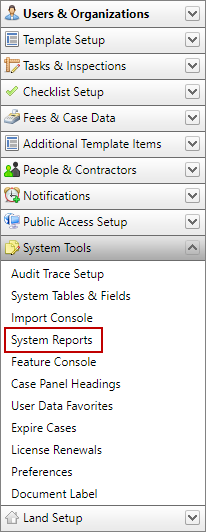
- Click System Tools on the PLL Admin menu panel and select System Reports.
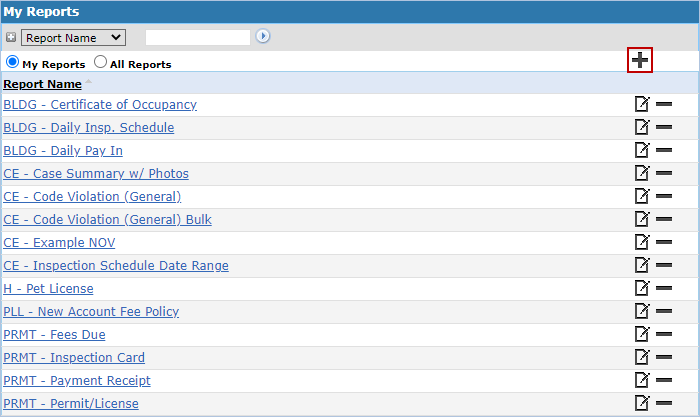
- Select Add Report.
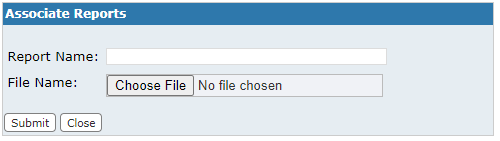
- On the Associate Reports panel, select the report you want to upload and click Submit.
The new report will now be listed on the My Reports panel and is available for use in PLL.