View a Task Map Layer
The View option allows you to see more detailed information about a task map layer than is available on the main Saved Condition or Assigned Action panels.
|
|
 PREREQUISITES:
To view the details of a task map layer, follow these steps:
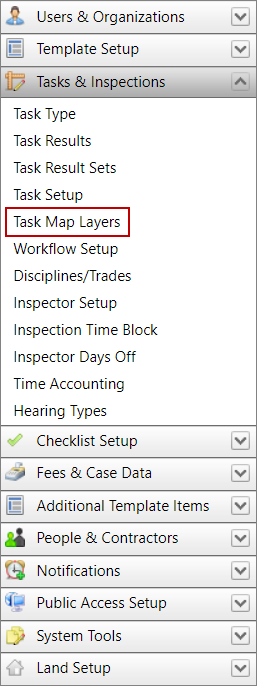
- Click Tasks & Inspections on the PLL Admin menu panel and select Task Map Layers.
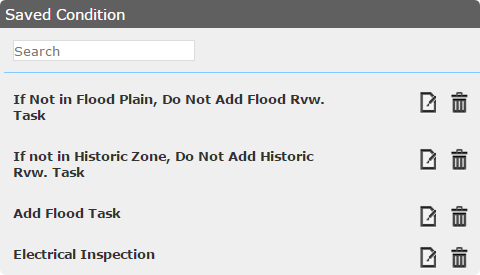
- On the Saved Condition panel, select the condition you wish to view.
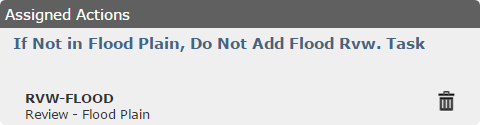
- The Assigned Actions panel displays all the basic information about the task map layer.