View a Task Type
The View option allows you to see more detailed information about an organization than is available on the main Task Type panel.
|
|
 PREREQUISITES:
To view the details of a task type, follow these steps:
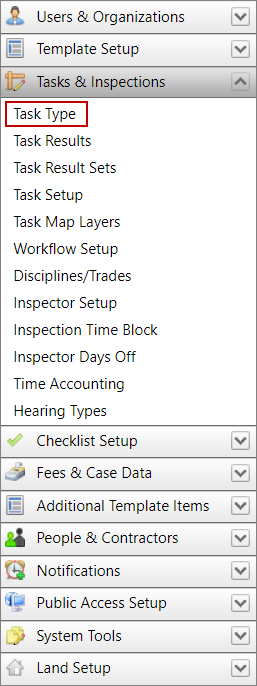
- Click Tasks & Inspections from the PLL Admin menu panel and select Task Types.
- On the Task Type panel, select the check box next to the task type you wish to view, then click View record at the top of the panel.
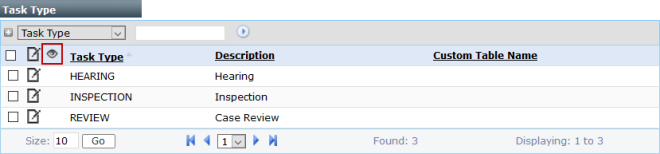
 NOTE: Search or filter the records on this panel to quickly find the one(s) you want. See Search and Filter Records for more information.
- The View: Task Type panel displays all the basic information about the task type.
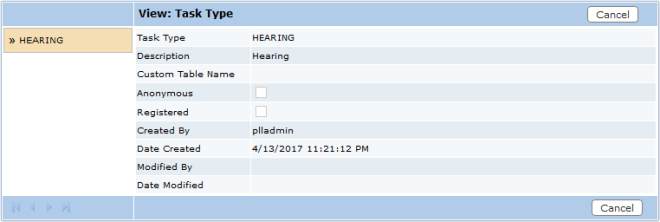
- Click Cancel to close the View: Task Type panel.