Add a Deposit
This section discusses how to add a new deposit.
|
|
 PREREQUISITES:
To add a deposit, follow these steps:
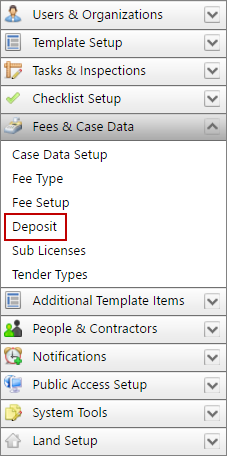
- Click Fees & Case Data on the PLL Admin menu panel and select Deposit.
- On the Deposit panel, click Add record at the top of the panel.
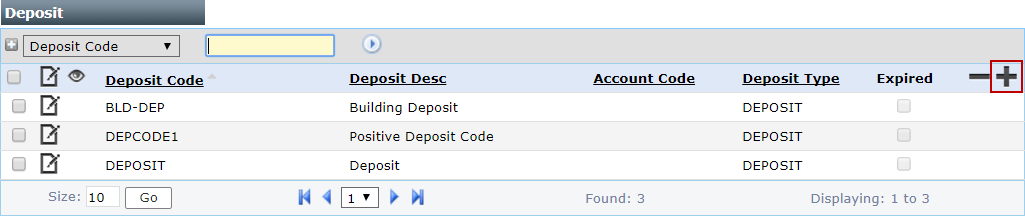
 NOTE: Search or filter the records on this panel to quickly find the one(s) you want. See Search and Filter Records for more information.
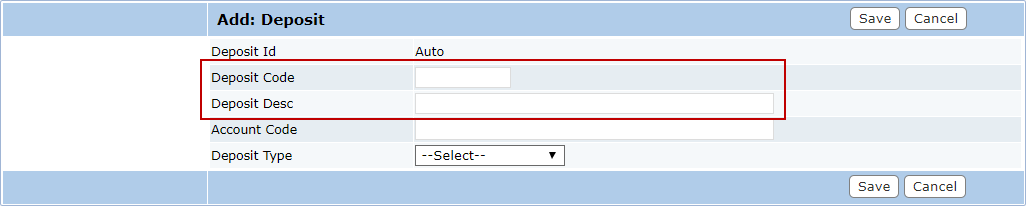
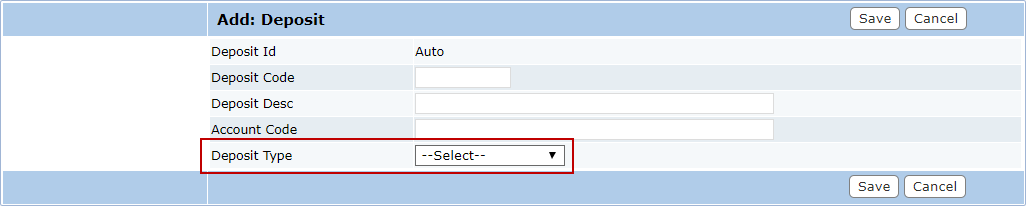
- On the Add: Deposit panel, enter a 10-character (maximum) name in the Deposit Code field and a brief explanation in the Deposit Desc field.
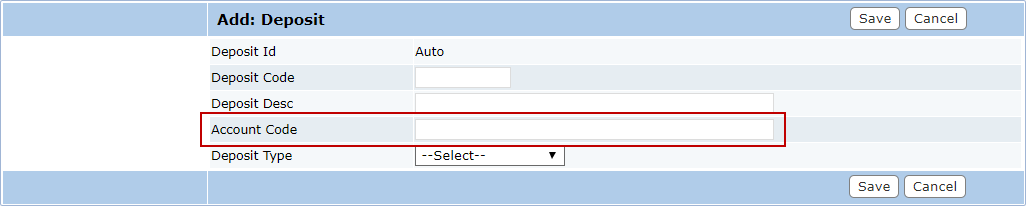
- In the Account Code field, enter the number of the account that will receive the deposit.
- Select Deposit from the Deposit Type drop-down list.
 Configure a Deposit
- In the Effective Date field, enter a date or click the calendar icon to select a date.

- Enter a numerical value in the Amount field.

Configure a Percentage Deposit (PERDEPOSIT)
- In the Effective Date field, enter a date or click the calendar icon to select a date.
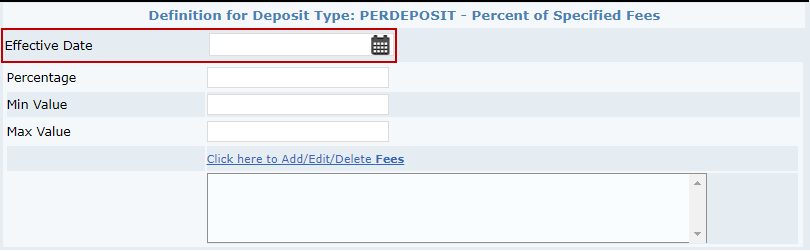
- In the Percentage field, enter the percentage that should be used to calculate the deposit amount.
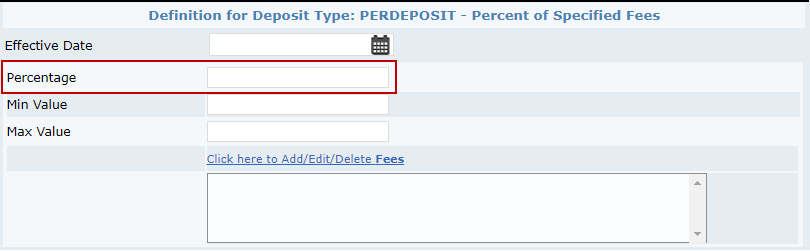
- If you choose, enter a minimum value for the deposit in the Min Value field.
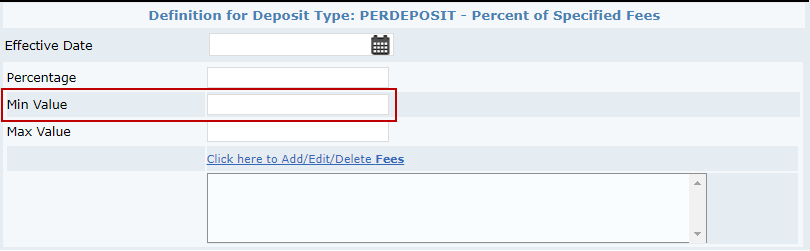
- If you choose, enter a maximum amount for the deposit in the Max Value field.
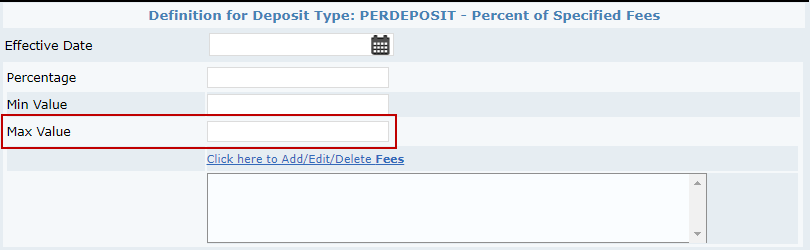
- Select the Click here to Add/Edit/Delete Fees link to add fees that the percentage deposit applies to.
- Click Save.

