Remove a Zip Code
A zip code may need to be removed from the system from time to time. This section will discuss how to remove a zip code.
|
|
 PREREQUISITES:
To delete a zip coded, follow these steps:
- Click Land Setup on the menu panel and select State Setup.
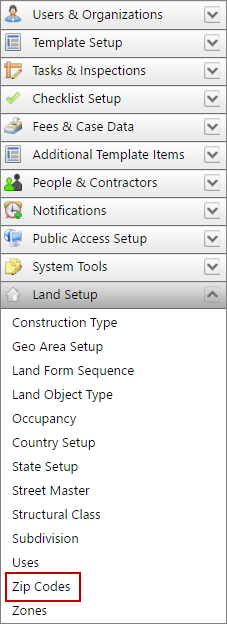
- On the Zip Codes panel, select the check box next to the code you wish to delete and click Delete record at the top of the panel.

 NOTE: Search or filter the records on this panel to quickly find the one(s) you want. See Search and Filter Records for more information.
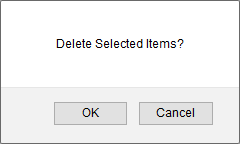
- When the message box appears, asking if you want to delete the selected item(s), click OK.