Edit a Task Map Layer
Existing task map layers may be updated or changed at any time.
|
|
 PREREQUISITES:
To edit an existing task map layer, follow these steps:
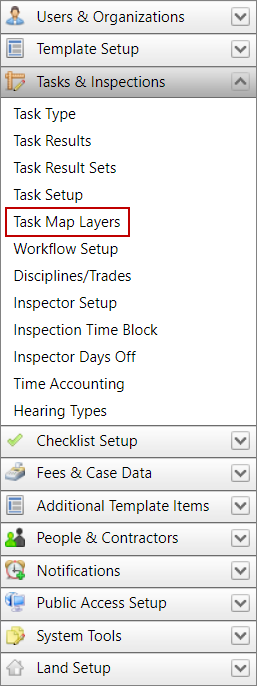
- Click Tasks & Inspections on the PLL Admin menu panel and select Task Map Layers.
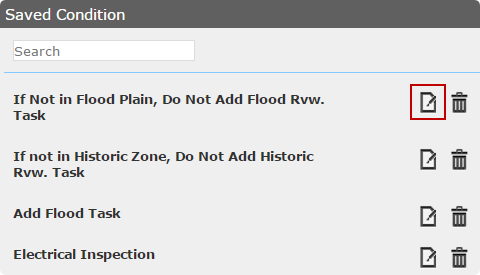
- On the Saved Condition panel, click Edit the Condition next to the condition you want to change.
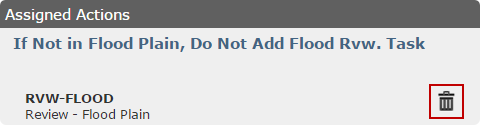
- The condition's information loads in the Assigned Action panel, you can delete any actions currently assigned to the condition. See Add a Task Map Layer for more information.
- You may also add new actions to the condition. See Add a Task Map Layer for more information.

